Your Life. Organized Beautifully
The most customizable digital planner for iOS & Android — designed for daily planning, task management, habit tracking, and goal setting. Create routines, organize tasks, and build a workflow that boosts productivity across all your devices
Trusted by thousands of users
See How It Feels
Clean. Intuitive. Crafted for focus
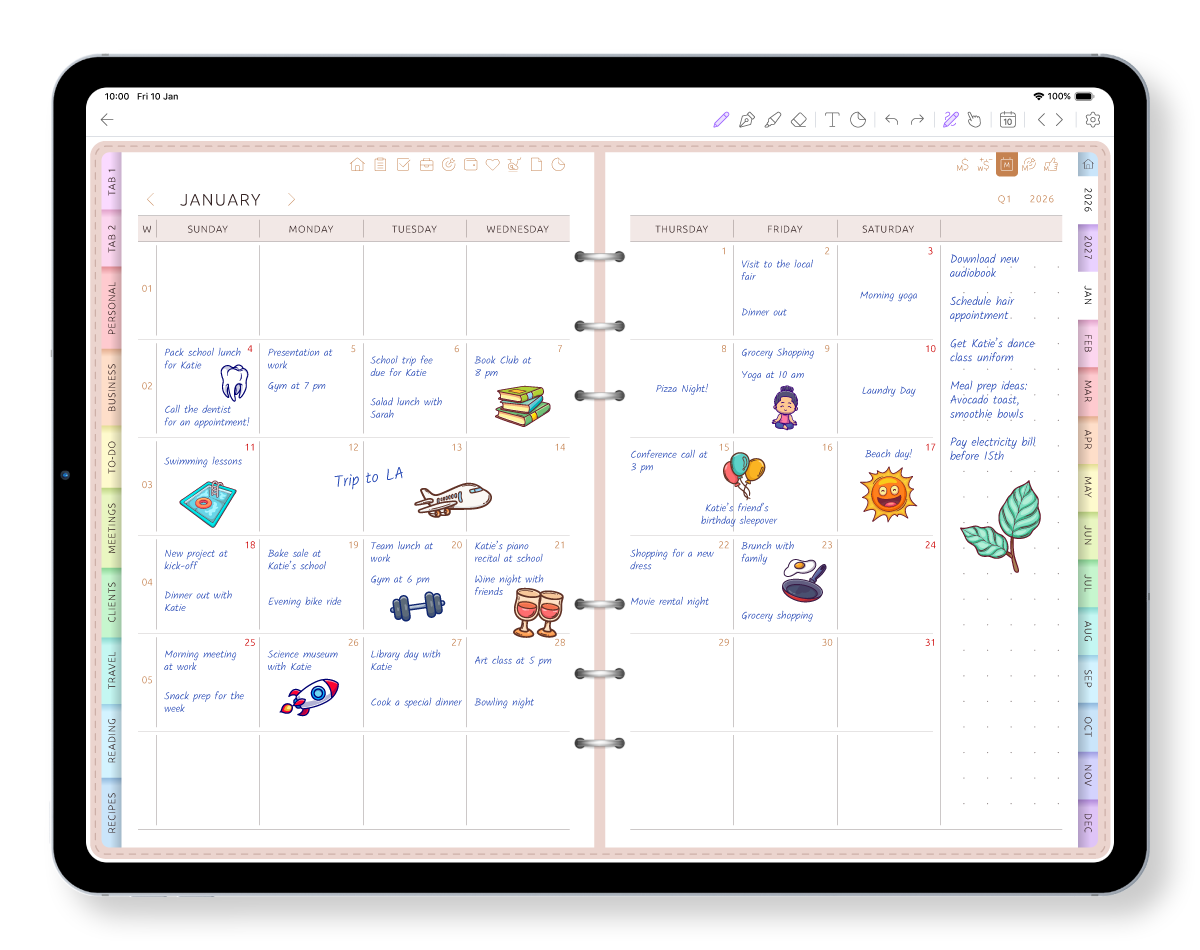
👆 Looks simple. Feels powerful
Unlimited Customization for Every Style of Planning
Choose templates to design a planner that feels personal and inspiring. Switch between daily, weekly, monthly, or yearly views, add new sections anytime, and build notebooks that match your routines, goals, and projects
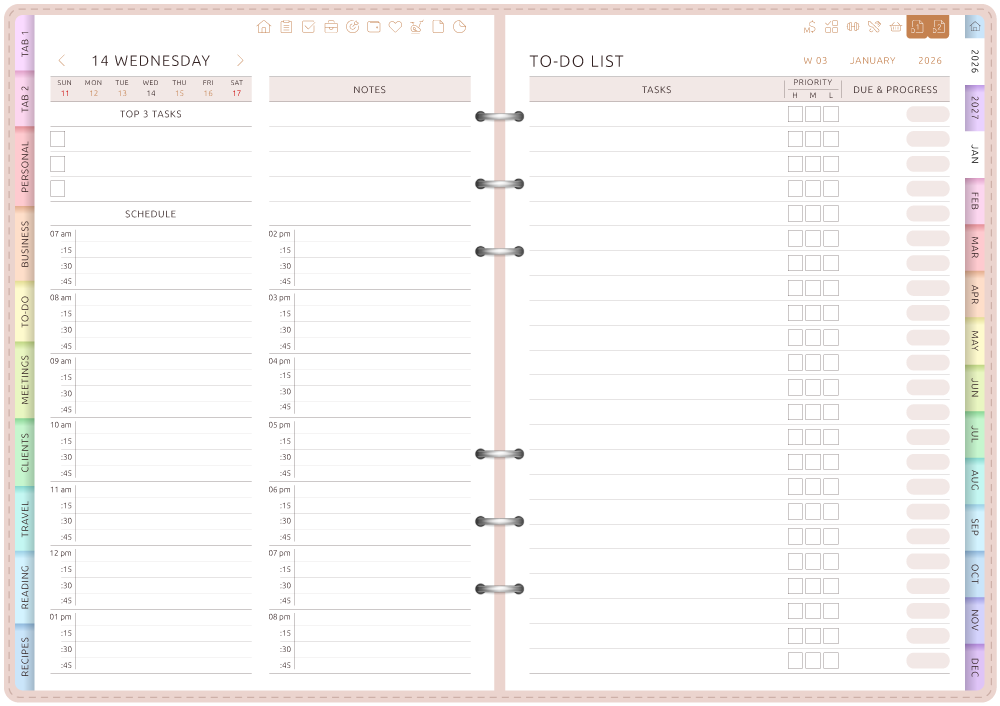
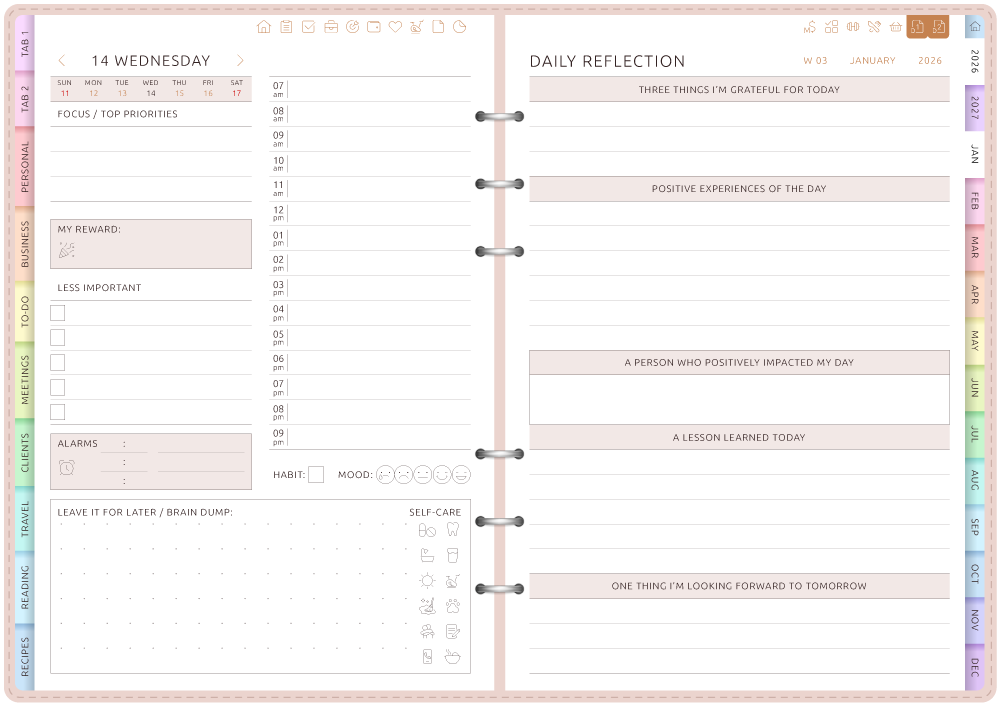
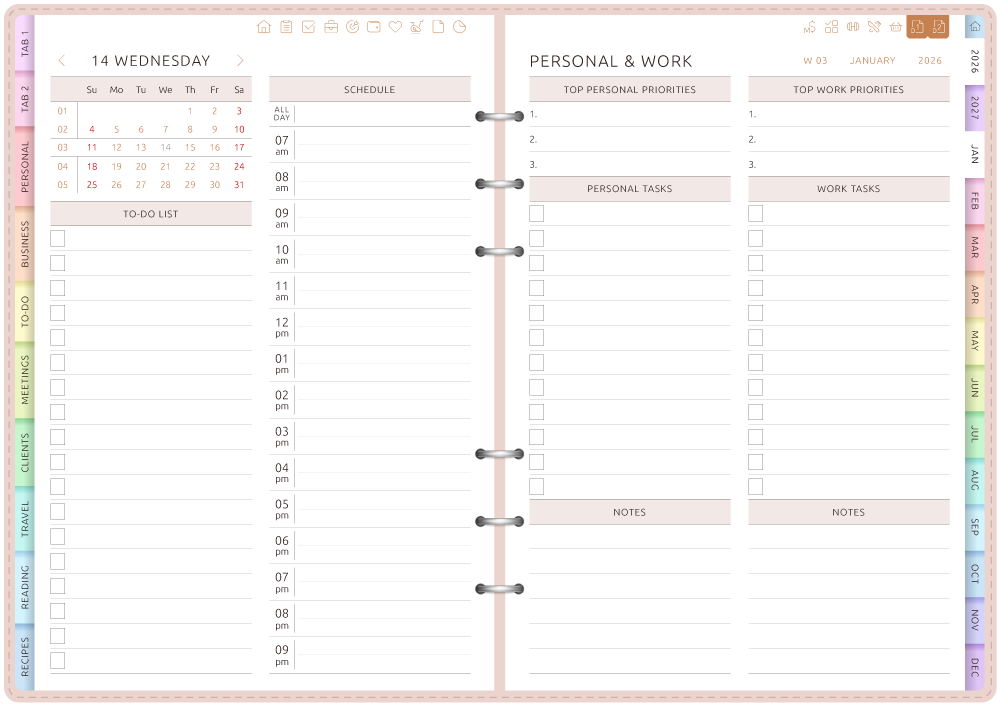
Planners for Every Occasion
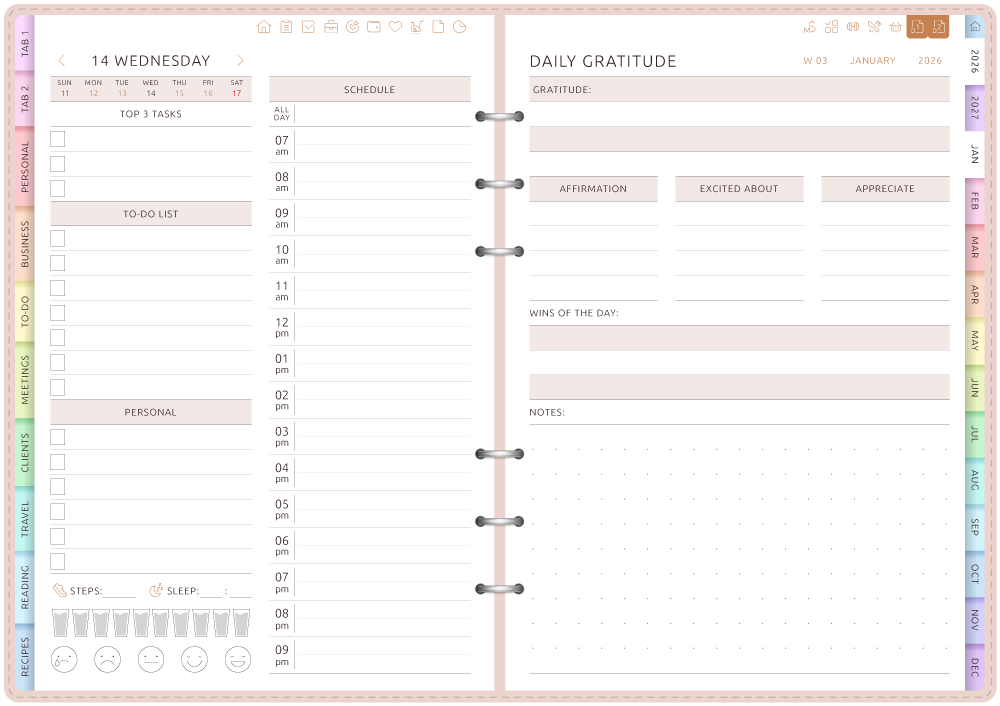
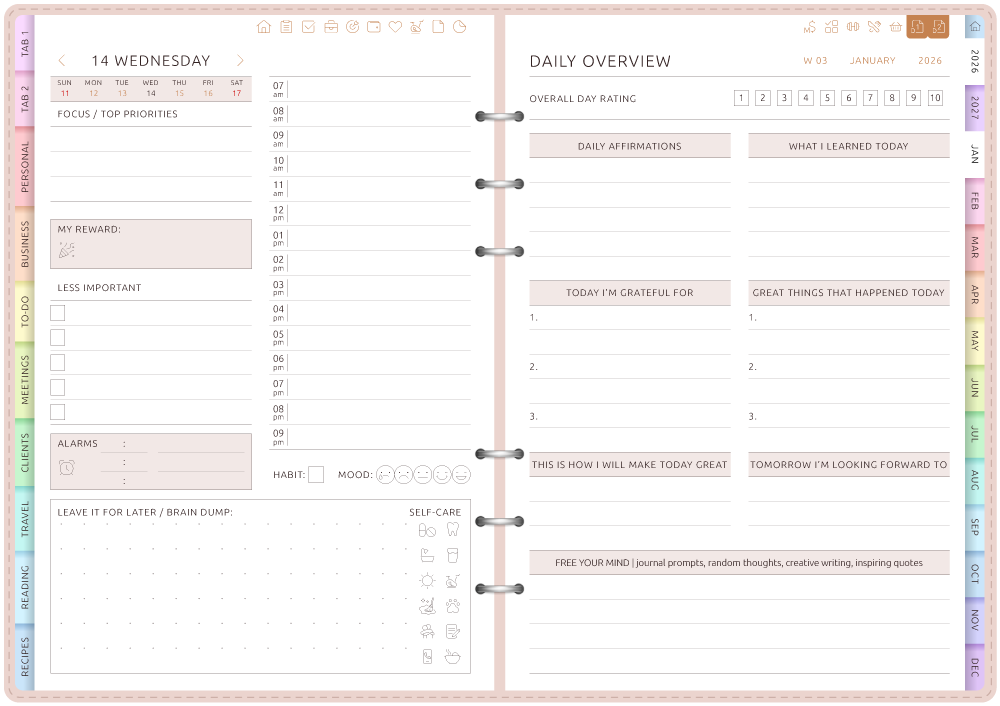
Select from 50+ beautifully designed planners for work tasks, personal goals, routines, time management, and daily planning


Whether you're building habits, managing projects, or organizing your week, Ultimate Planner includes templates and planning tools that adapt to your lifestyle
Sync Seamlessly Across Devices
Connect your planner with your digital calendar to manage tasks, track events, and keep your schedule updated across iPhone, iPad, Android, and desktop
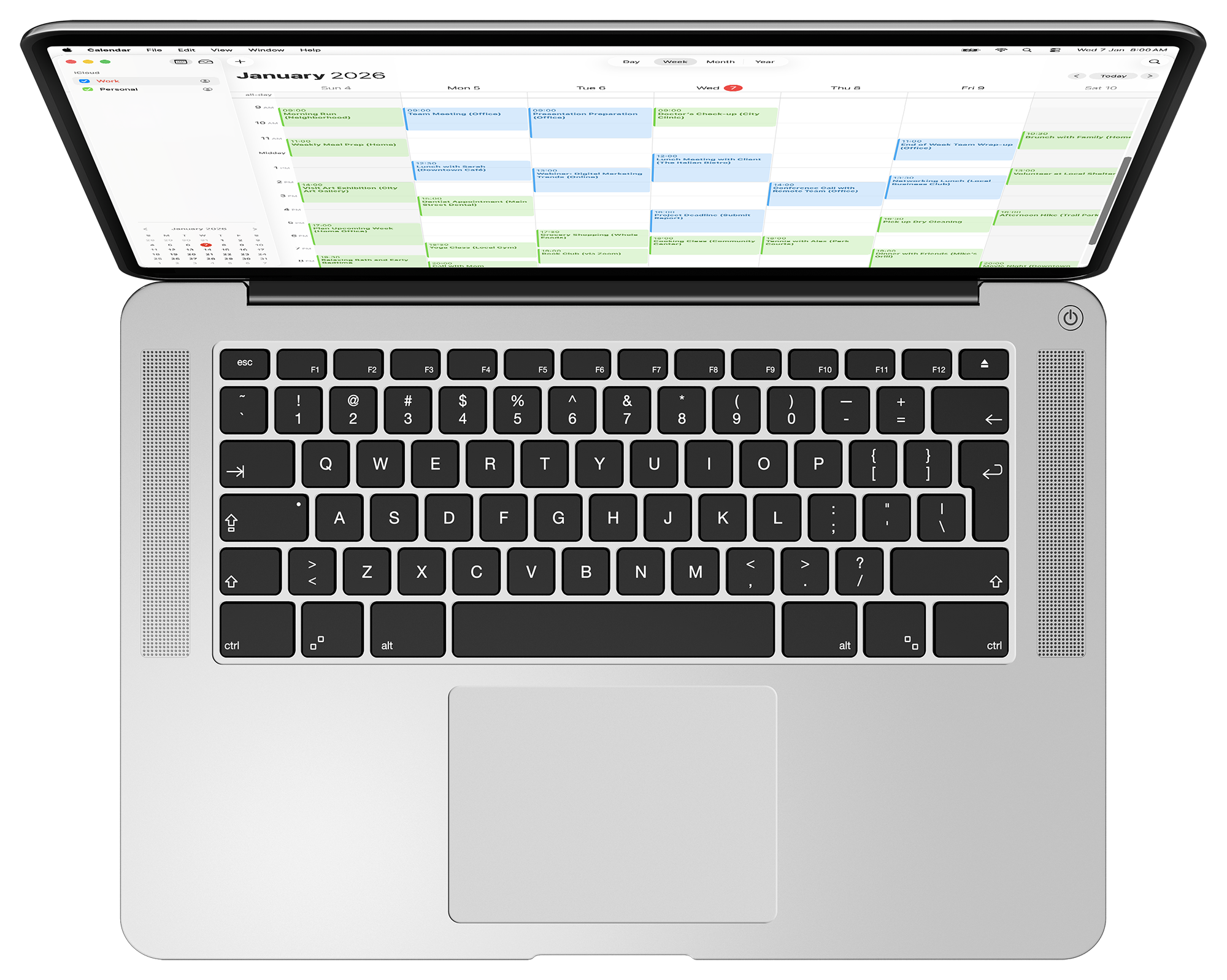
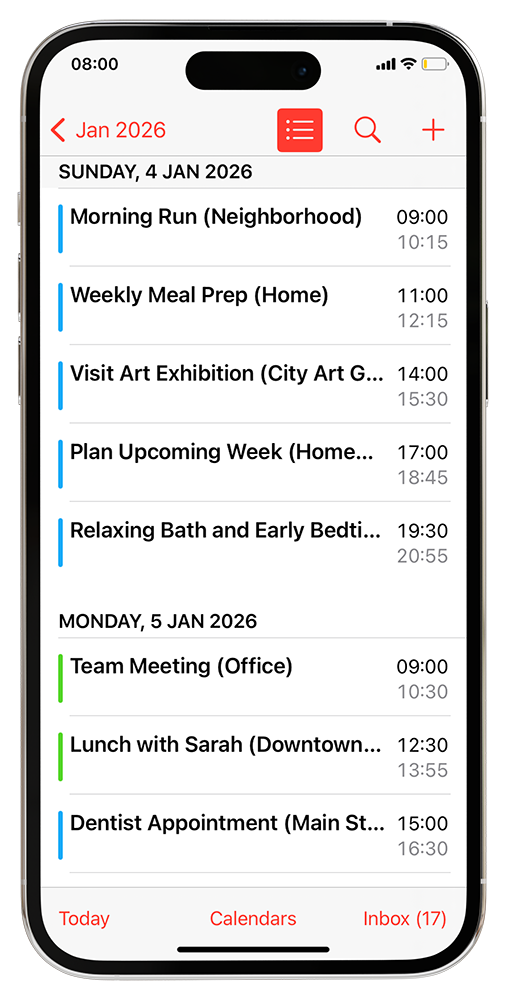
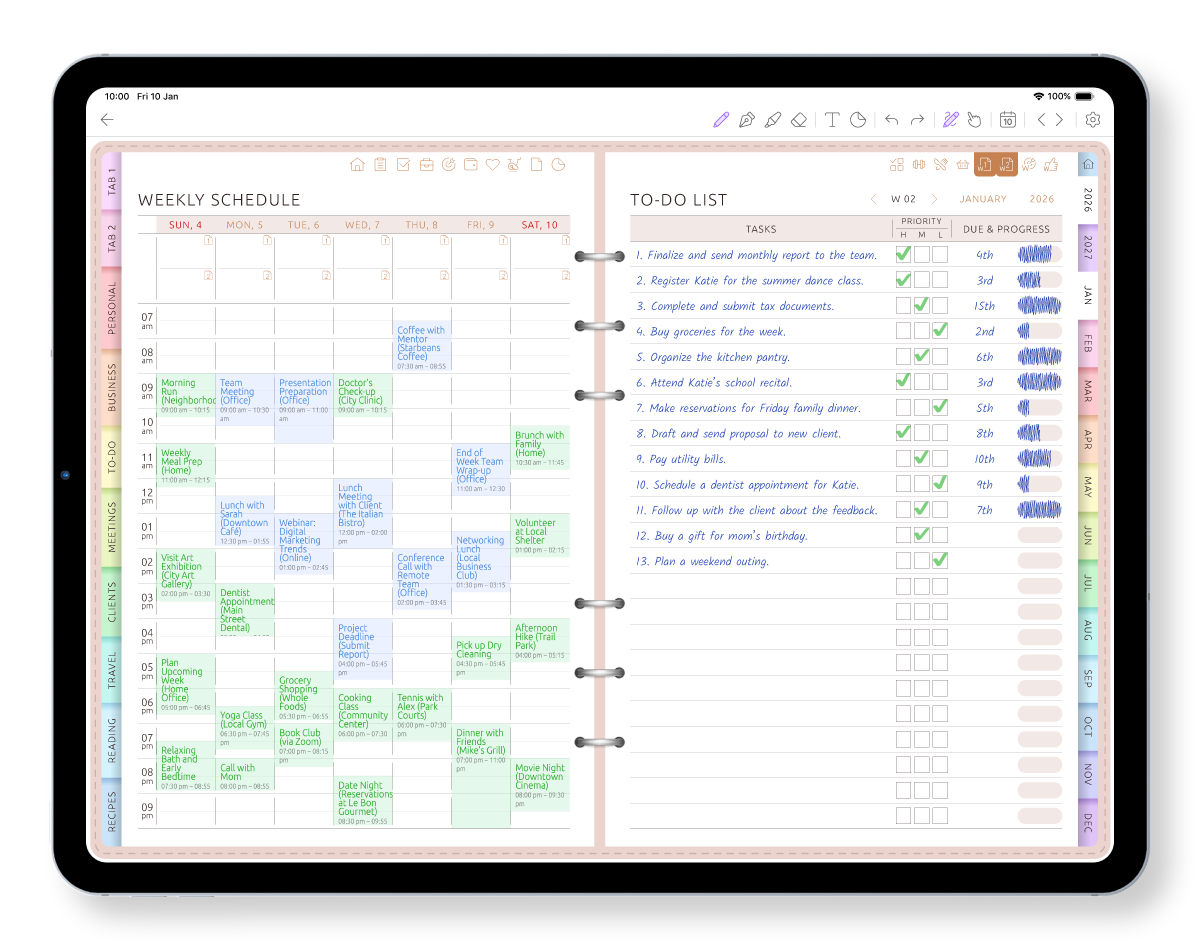
Calendar syncing helps you stay on top of routines, reminders, and time‑blocking without switching apps
Infinite Planning. Zero Restrictions
Unlike traditional paper planners, Ultimate Planner gives you unlimited pages, smart layouts, and flexible planning options
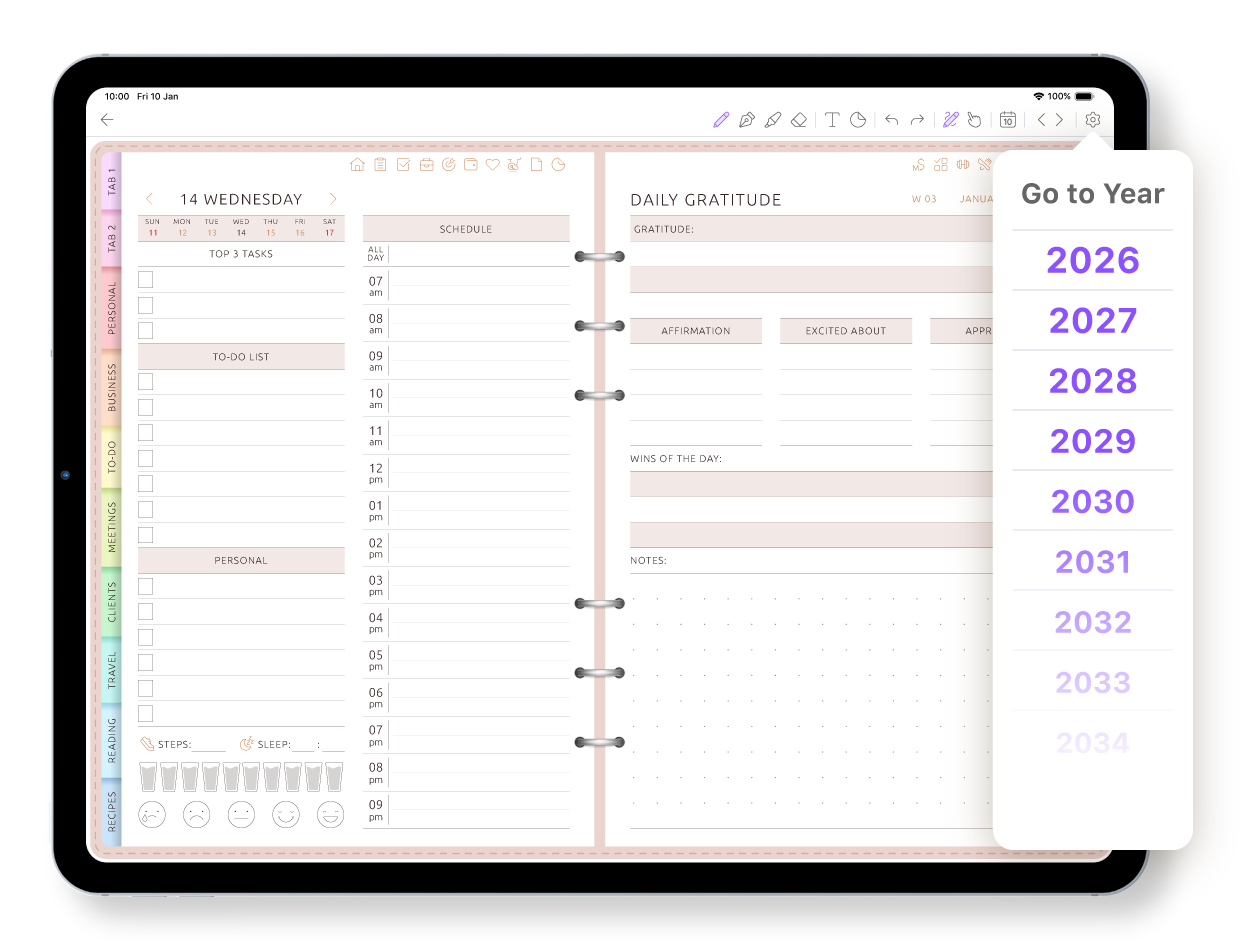
Add new sections, build notebooks, track habits, set smart goals, and create a planning system that grows with your life and helps increase productivity
Loved by Thousands of Planners and Productivity Enthusiast
Unlike traditional planners, Ultimate Planner gives you unlimited pages, layouts, and flexibility
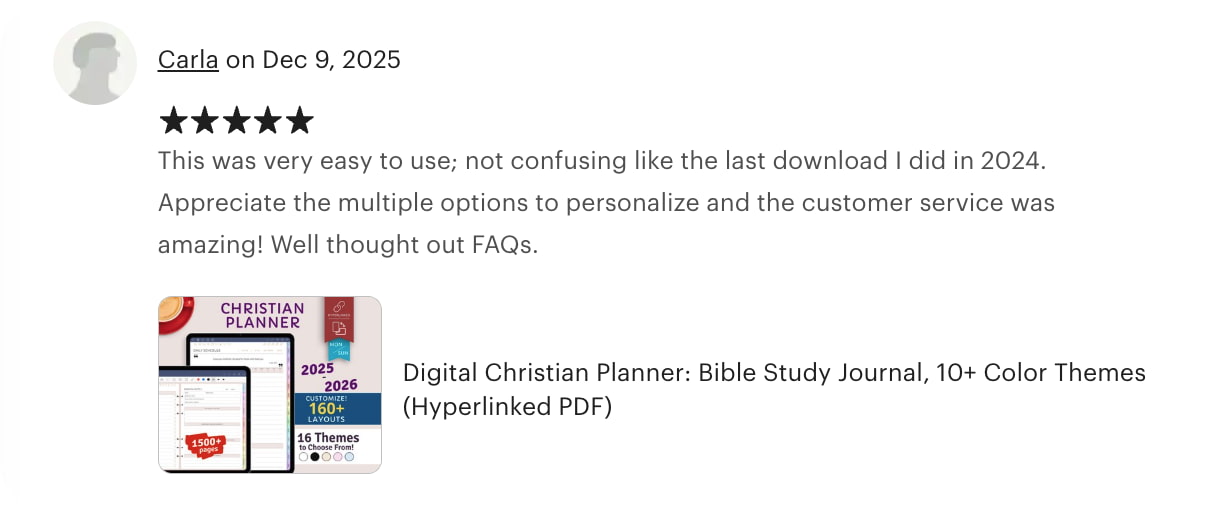
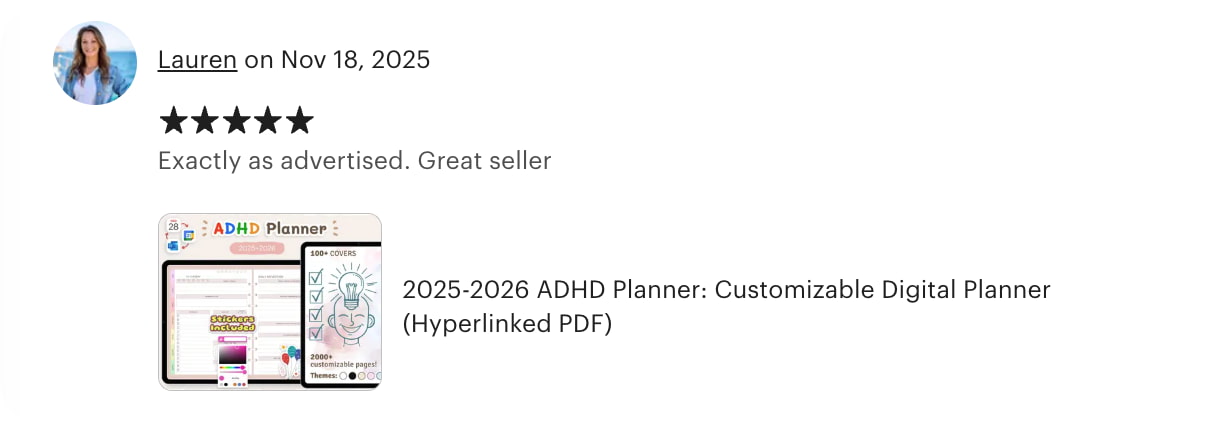
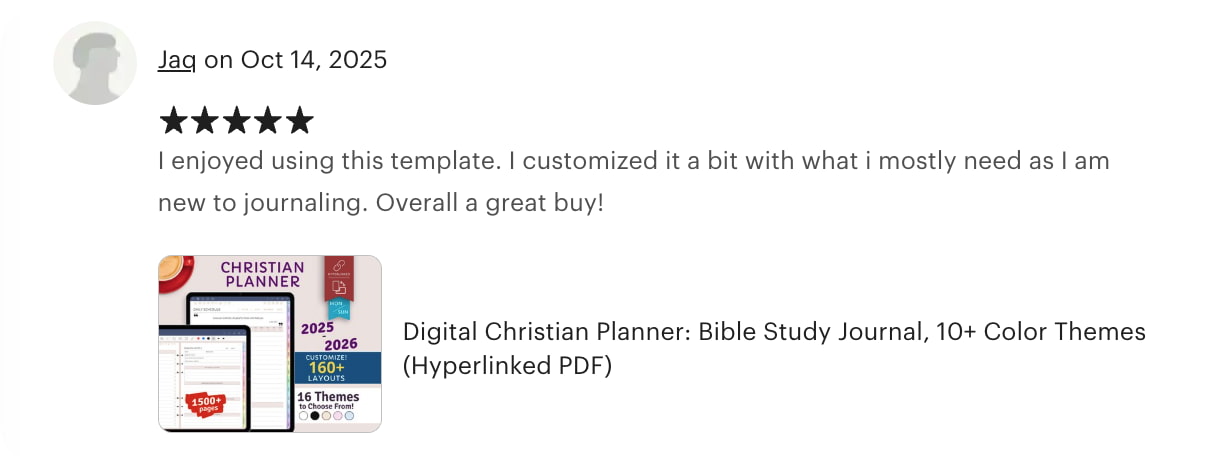
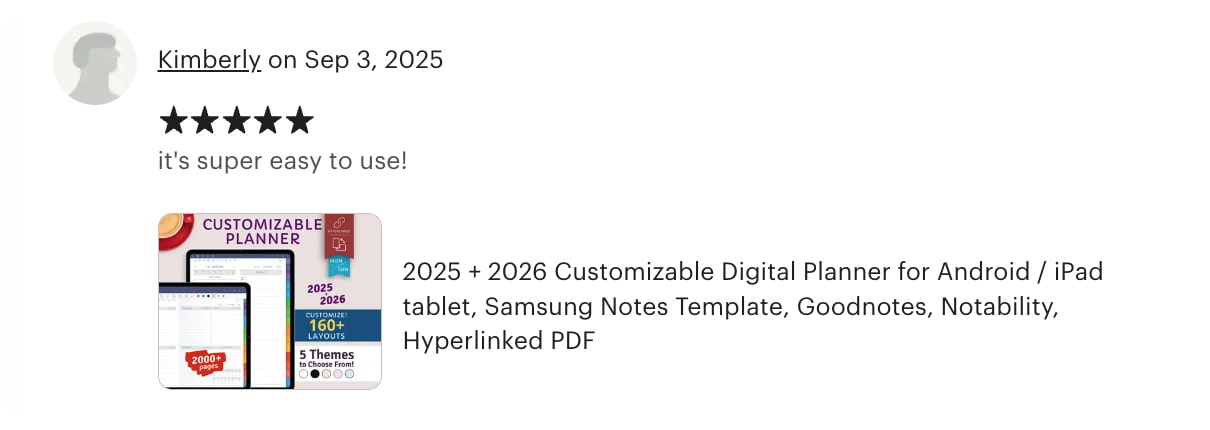
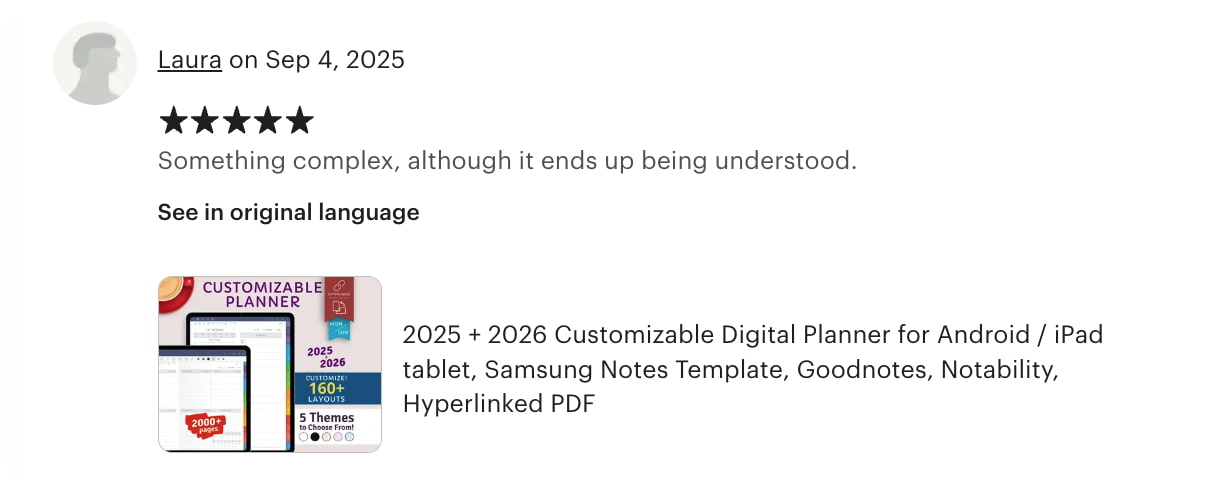
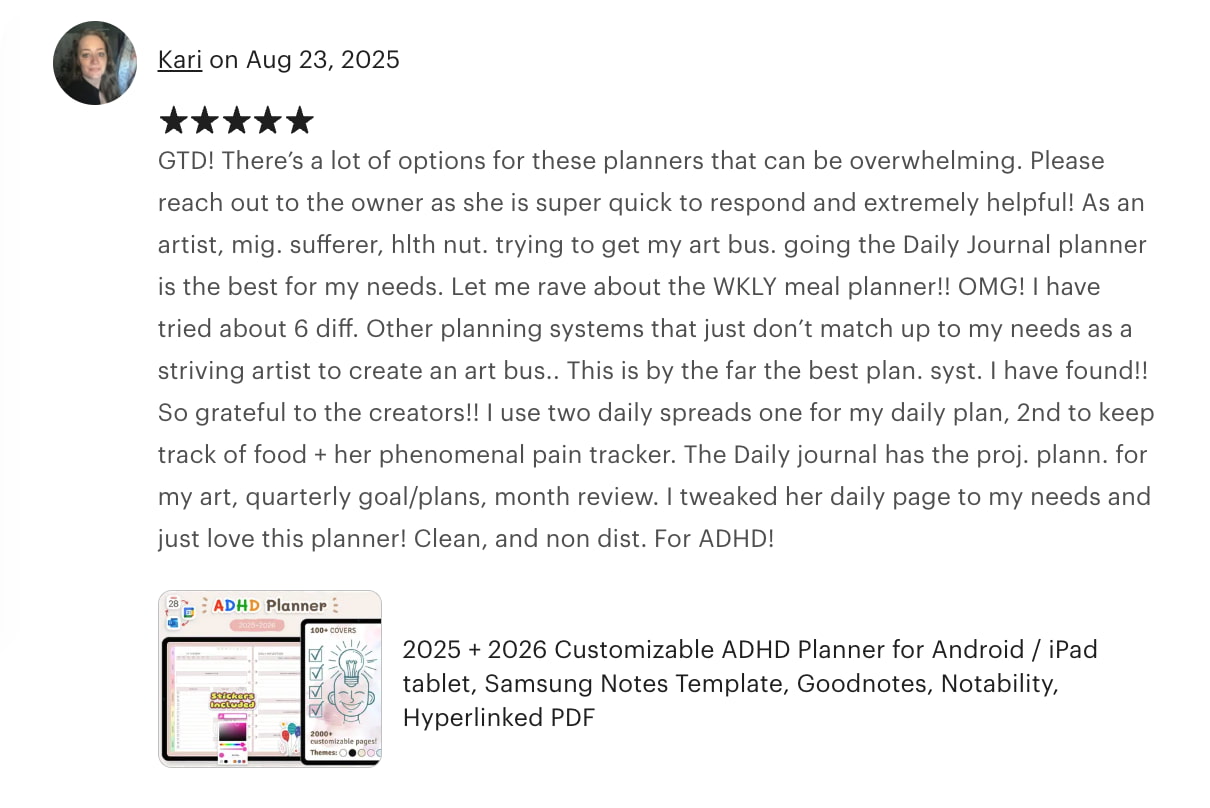
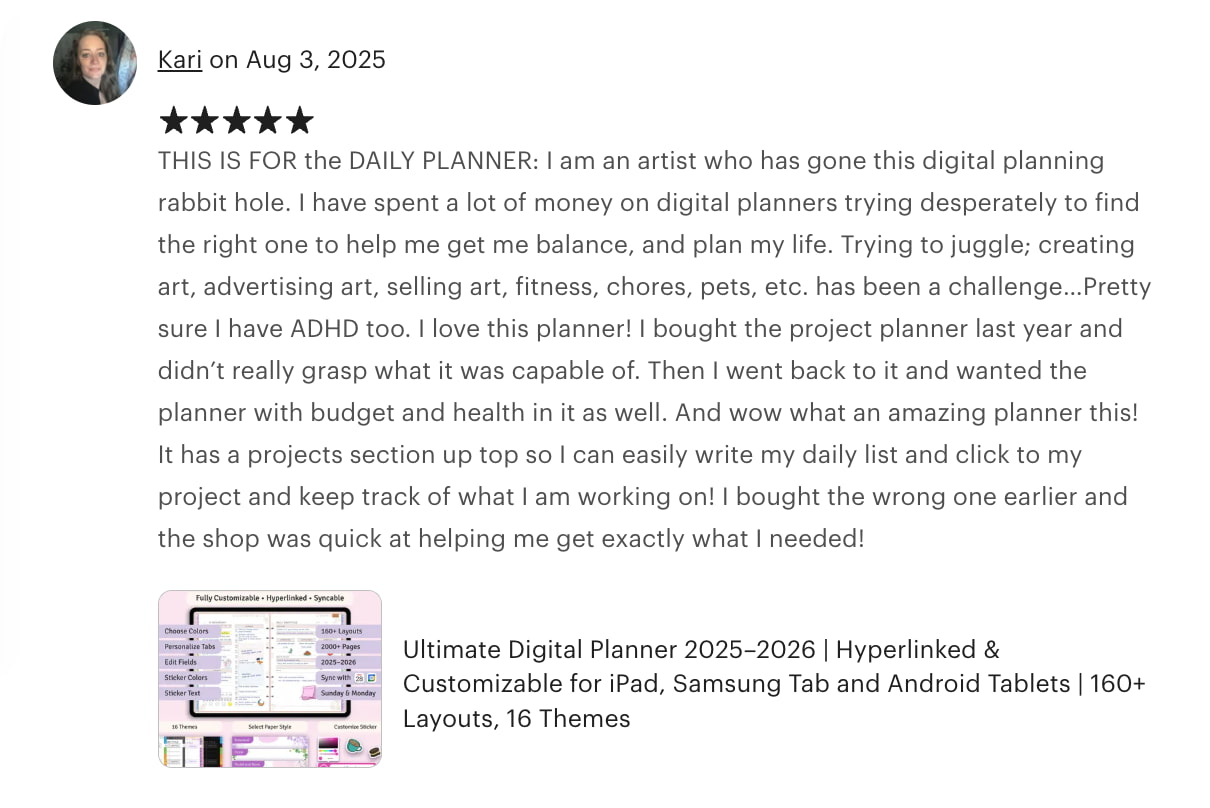
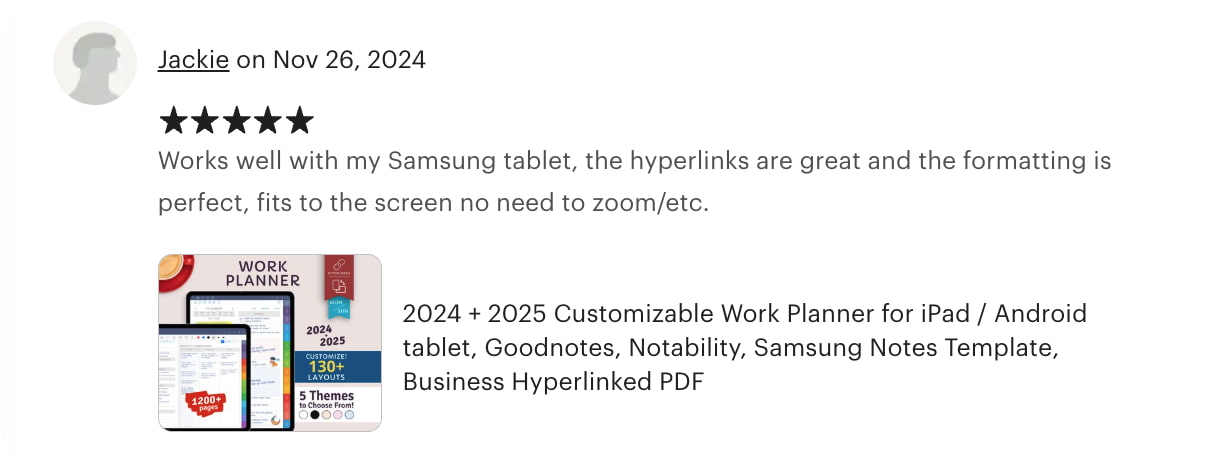
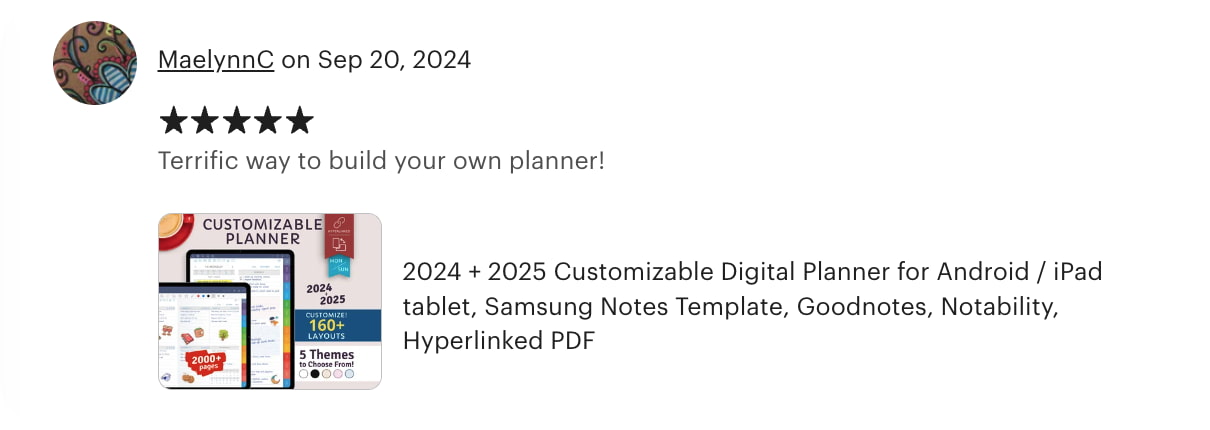
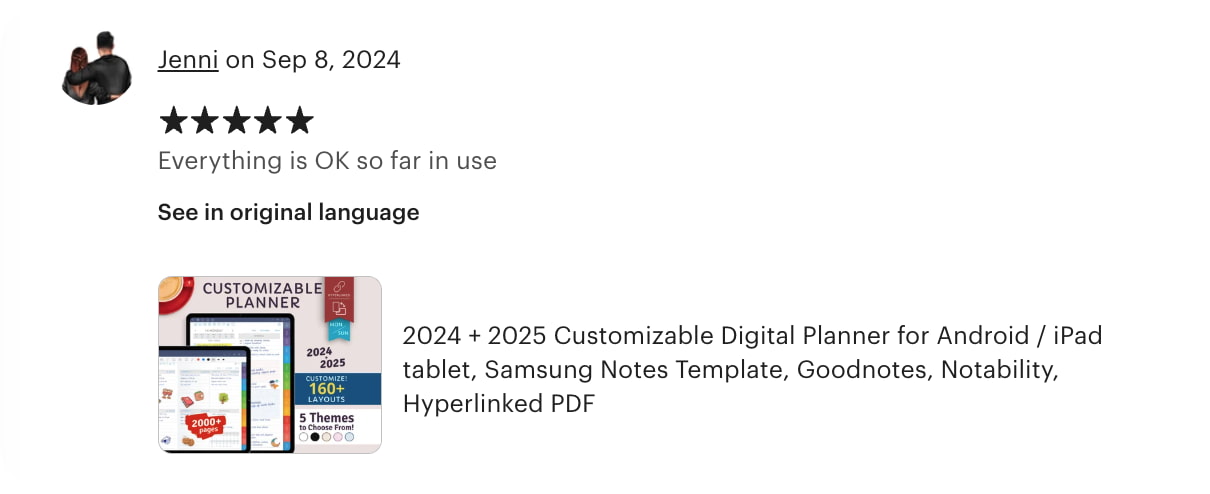
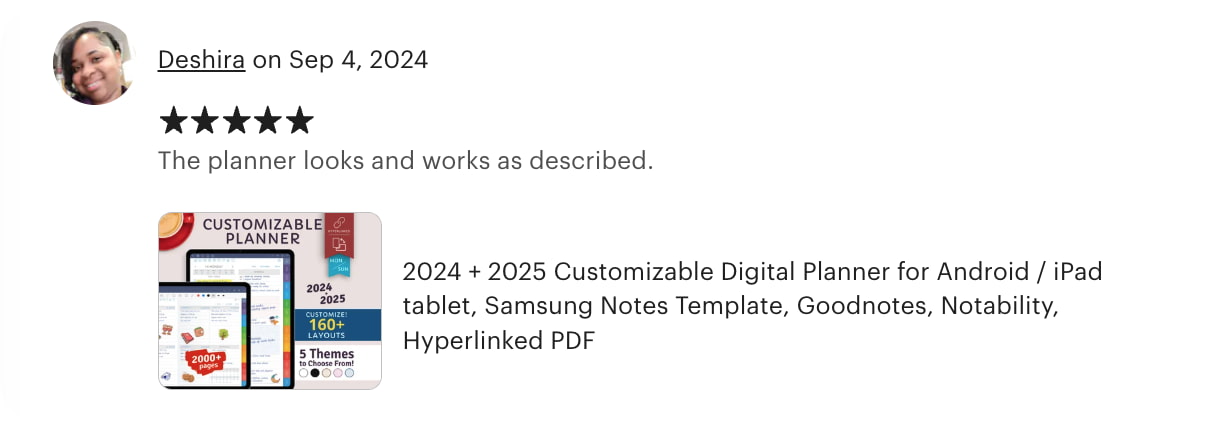
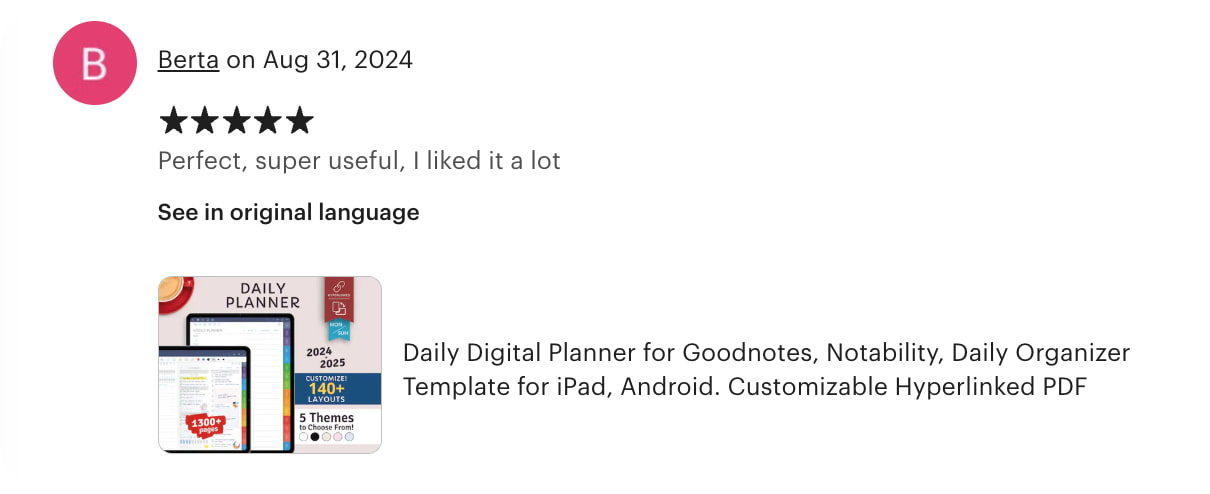
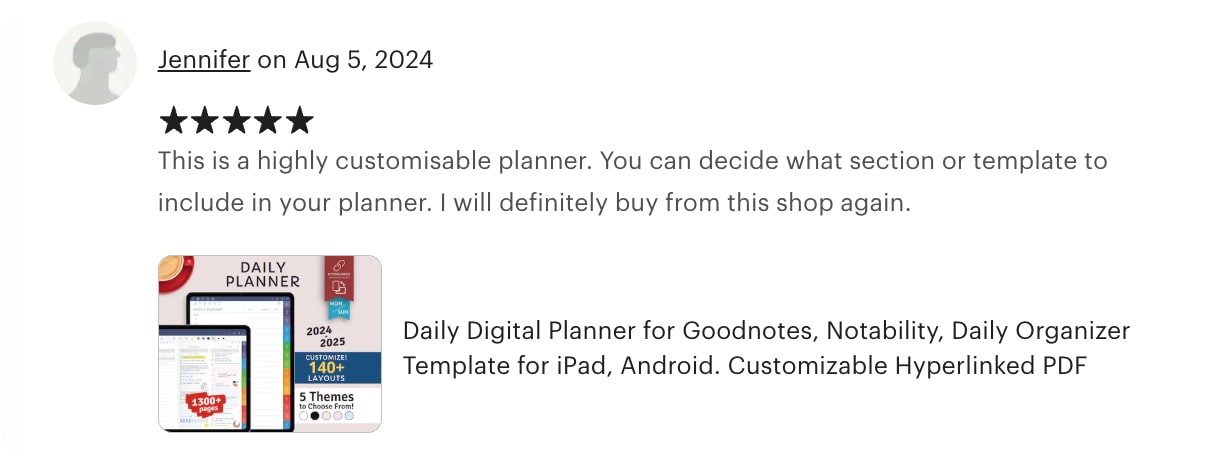
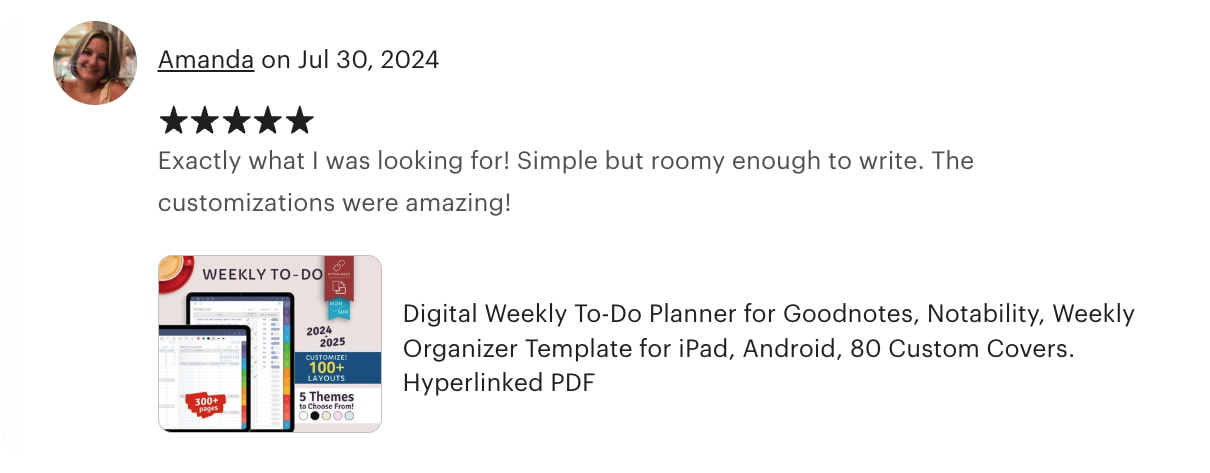
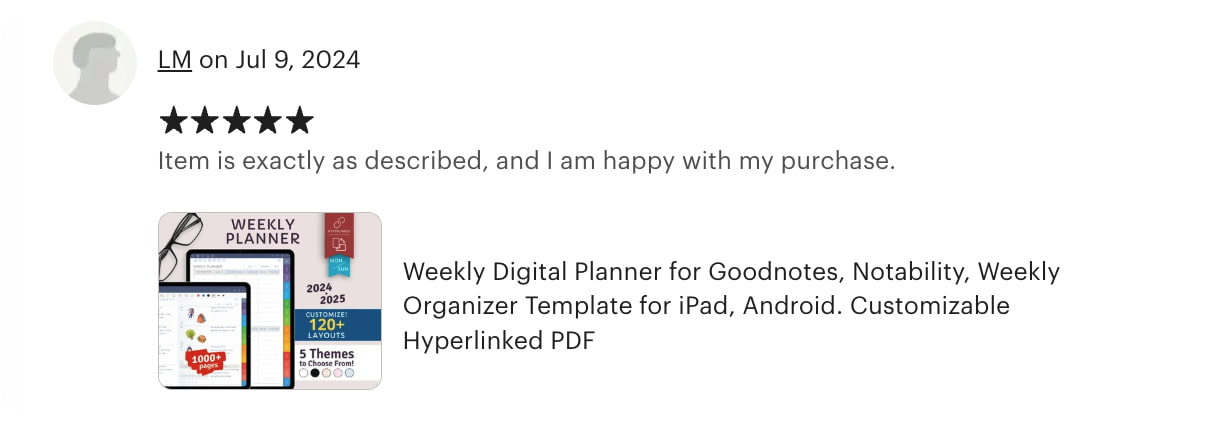
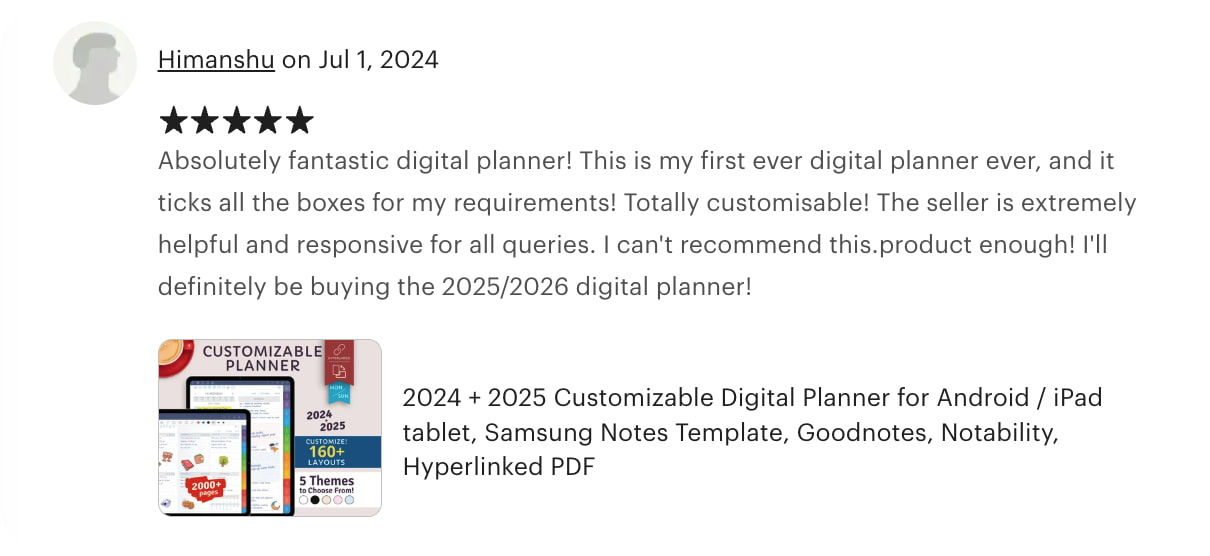
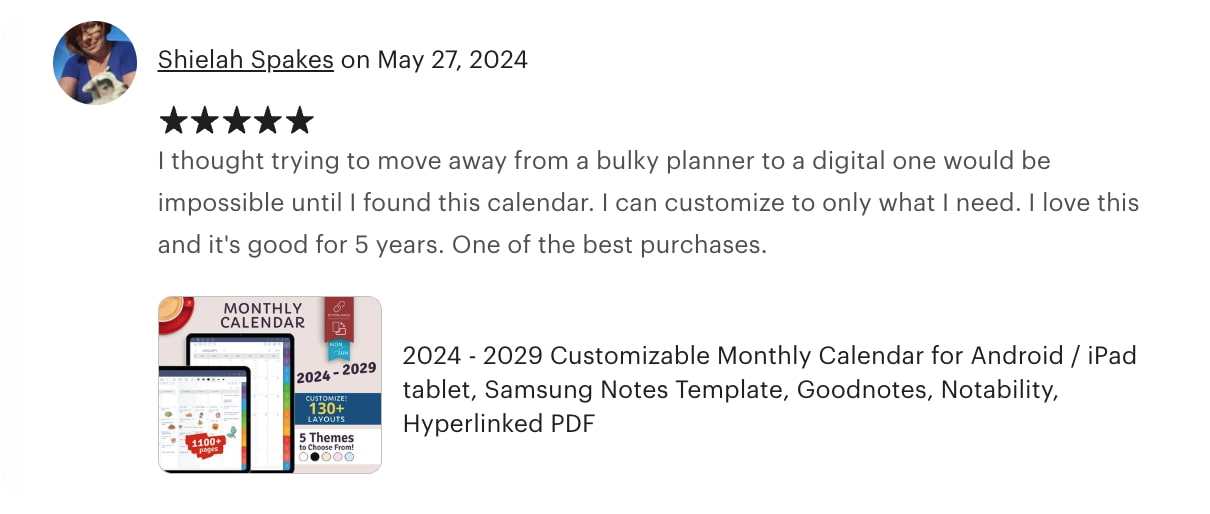
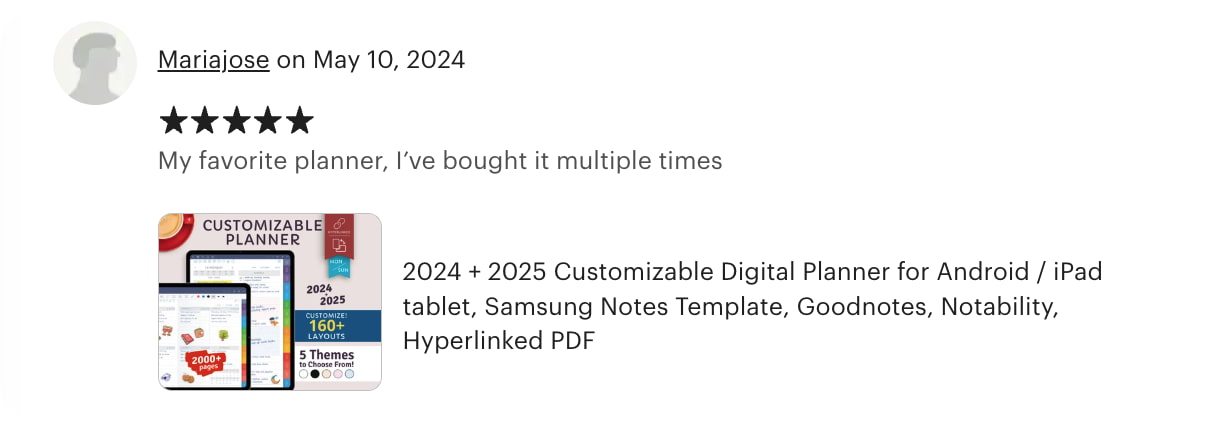
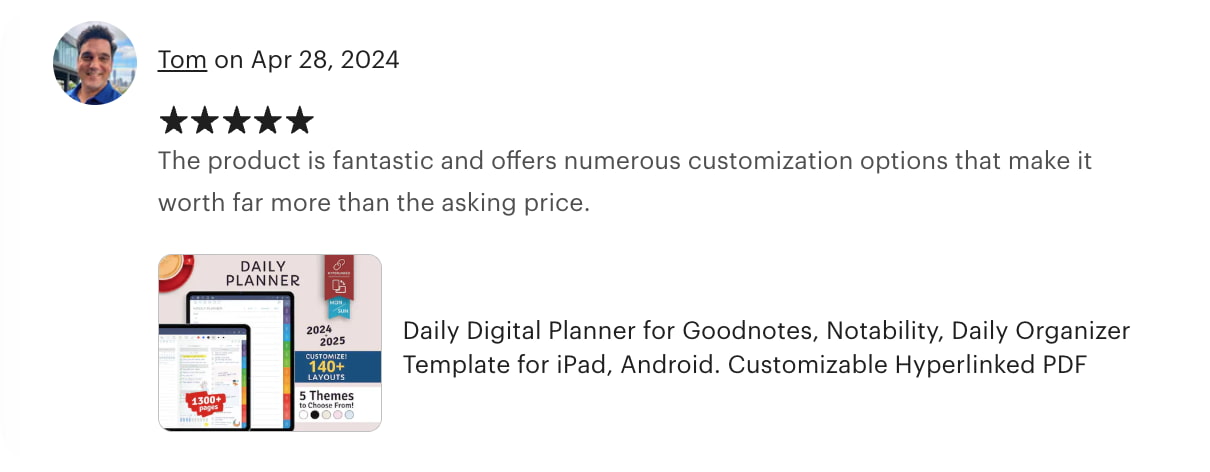
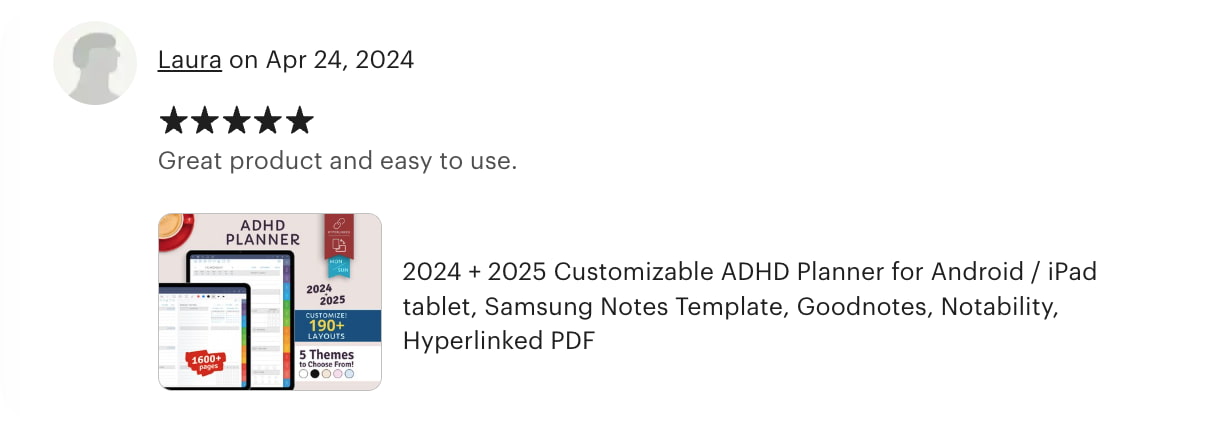
Real users share how our planners help them stay organized, manage tasks, build routines, and improve productivity every day. From habit tracking to time management, our community uses the app to create simple, effective workflows that fit their life
Your Life. Organized Beautifully
Download Ultimate Planner and get started with the best digital planner for daily planning, goal tracking, habit building, and time management. Create routines, organize tasks, and enjoy a planning experience that feels simple, smart, and beautifully designed
Frequently Asked Questions
Yes. Ultimate Planner is fully compatible with iPhone, iPad, and Android devices. Your planners stay synced across all your devices so you can plan anywhere.
Yes. Events from all connected calendars appear in your monthly, weekly, and daily layouts, and you can add new events from the app back to those calendars. The calendars themselves remain separate, so your work and personal schedules don’t mix.
Absolutely. You can write naturally with Apple Pencil or any compatible stylus. The handwriting feels just like paper, with the flexibility of digital tools.
Ultimate Planner is an infinite digital planner. You don’t need to add a new planner each year — you can create unlimited pages, sections, and layouts whenever you want. Your planning system grows with your goals, habits, and routines, all in one place.
Yes. You can use Google Calendar on iOS and sync it with Ultimate Planner through your device’s calendar. Once connected, your Google Calendar events will appear inside the app, keeping your schedule updated across iPhone or iPad.
PDF planners in GoodNotes, Notability, or Penly are static files. Ultimate Planner is a full app with calendar syncing, unlimited pages, flexible templates, habit tracking, task management, time blocking, and smart planning tools. You do not need to import PDFs or start fresh every year — everything works natively, seamlessly, and across iPhone, iPad, and Android.
You can create as many planners as you need. Choose from 20+ planner types and build a system that fits every part of your life.
Yes. You can download the free version to explore the core features before upgrading to the full experience.
No. You can use Ultimate Planner offline. Your data will sync automatically once you’re back online.
Yes. You can choose from daily, weekly, monthly, and yearly layouts, switch between them anytime, and personalize your pages with colors, covers, and handwriting.
Yes. With 20+ planner types, Ultimate Planner works for students, teachers, professionals, creatives, and anyone who prefers structured or ADHD‑friendly planning.
Your planners are stored securely on your device and synced through your platform’s cloud service when enabled.