
Goal planner app
A Goal Planner App That Brings Goals Into Your Week
Plan a goal from year to quarter, then choose the step that belongs in this week and today — next to the appointments already in your calendar.
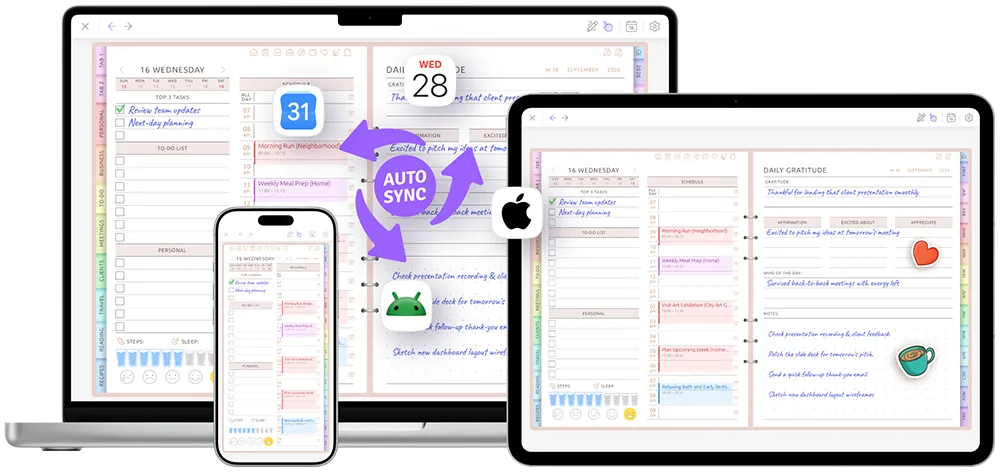
Goals, weekly plans and your real schedule in one planner — on iPad, iPhone, Android and the web.
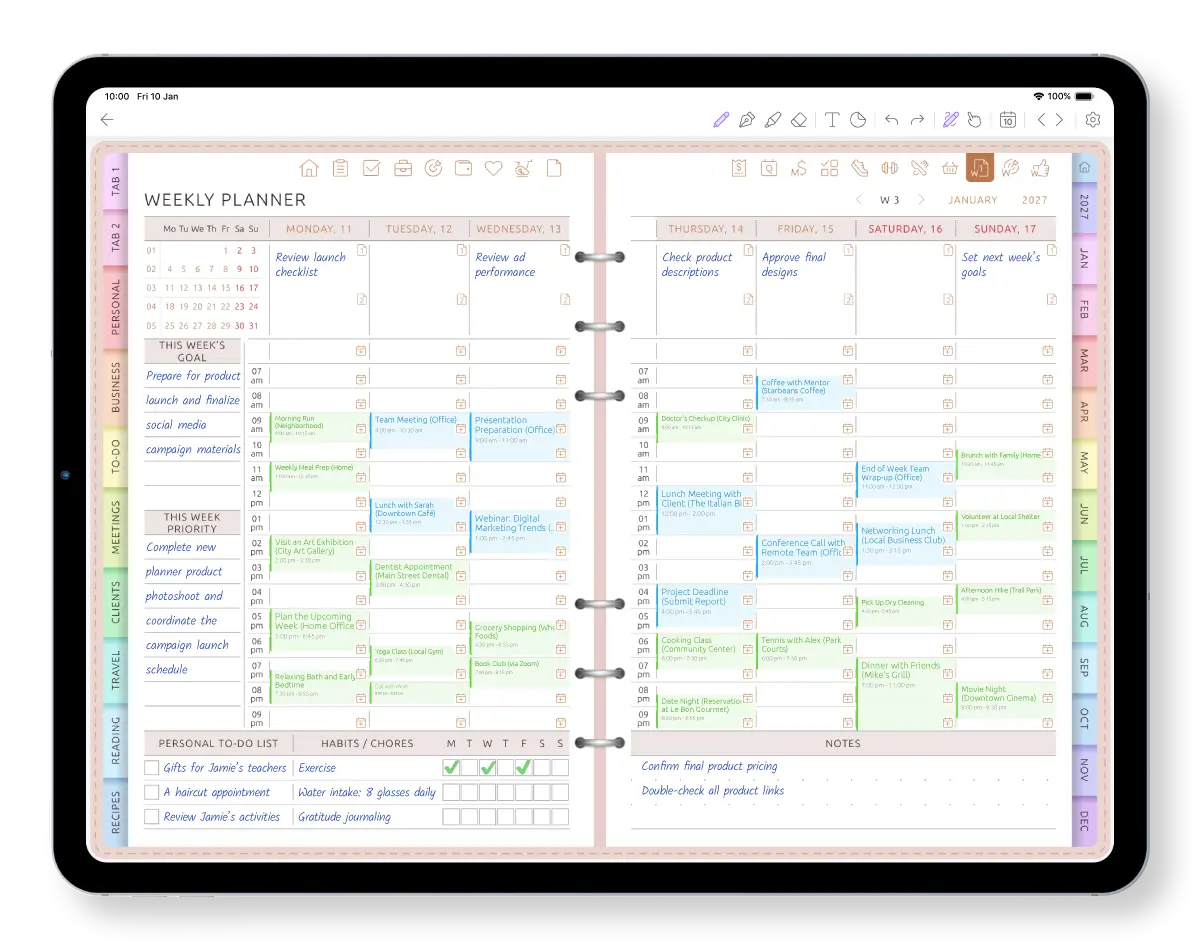
From a big goal to the next step you can actually do
Choose what matters at each level instead of leaving the goal on a page you rarely open.
-
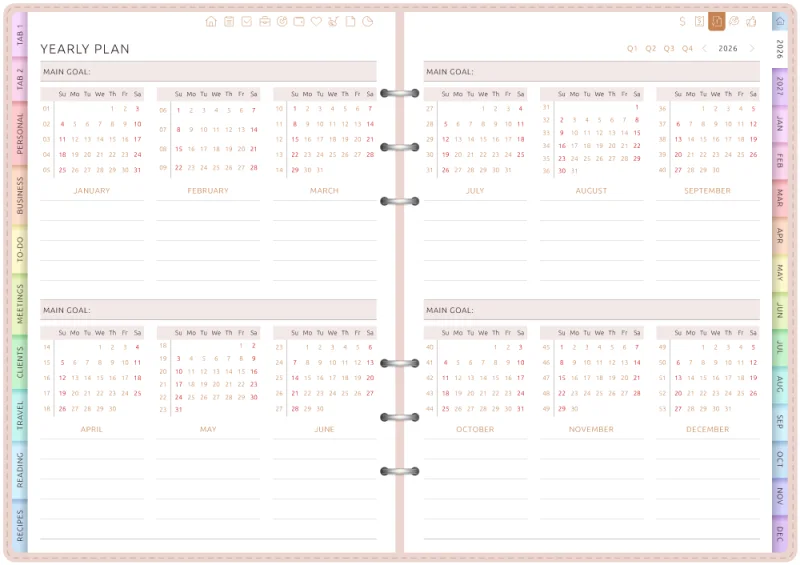
1 · Year
Choose the direction
Decide what matters this year.
-
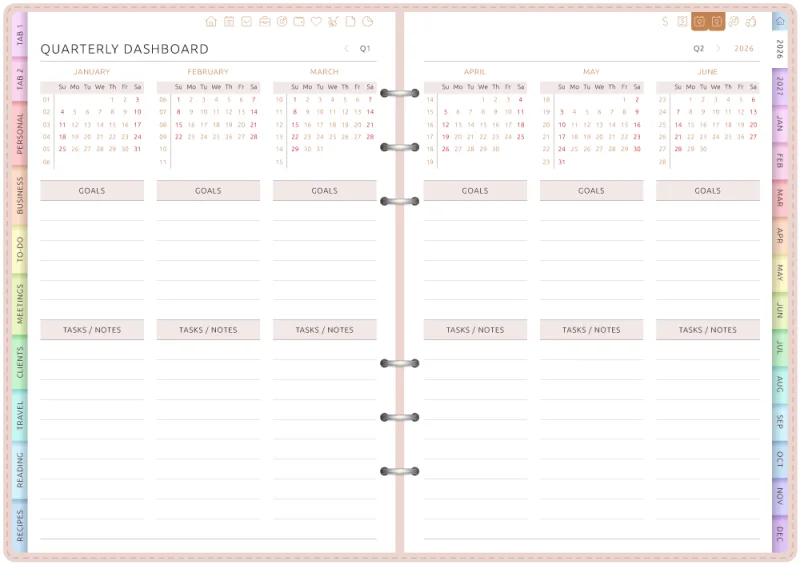
2 · Quarter
Give it a timeframe
Choose what you want to move forward during this quarter.
-
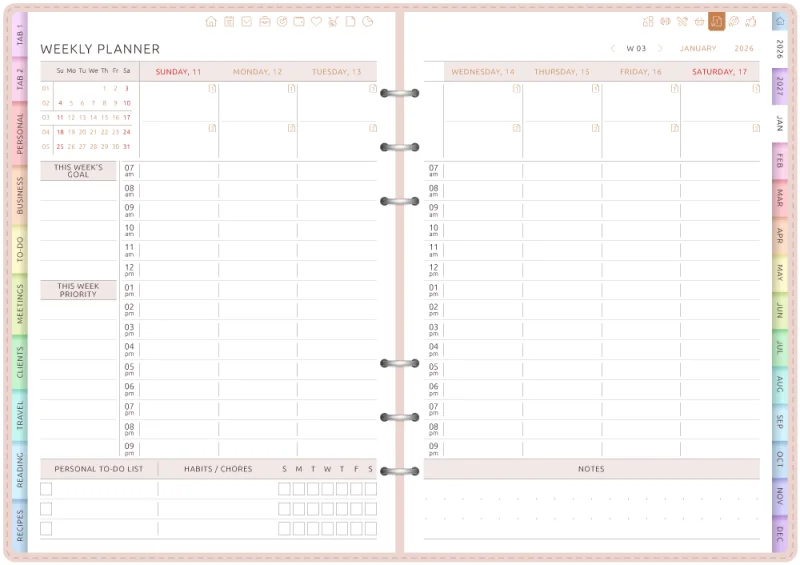
3 · Week
Pick the next step
Put one concrete action beside this week's appointments.
-
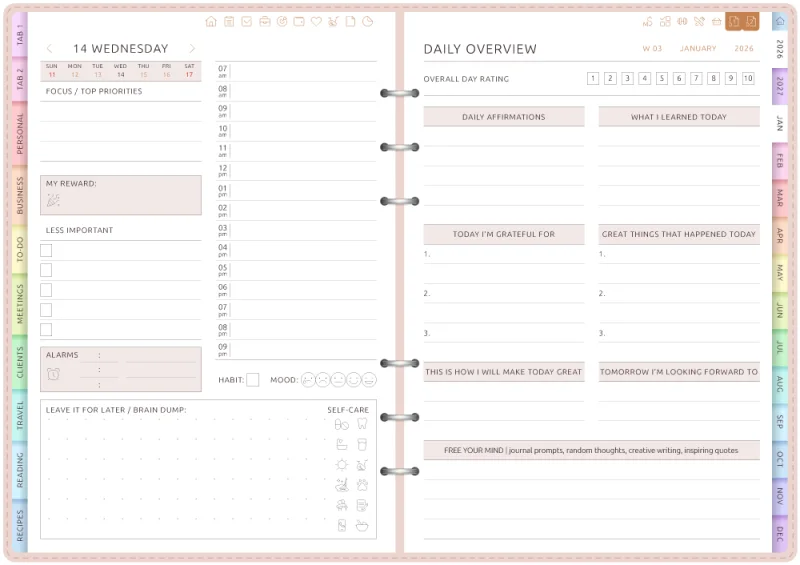
4 · Day
Make it a priority
Give that step a place on today's page.
You choose what moves from the yearly goal into the quarter, week and day. Ultimate Planner does not copy or schedule goals automatically.
Turn a goal into a habit you can see
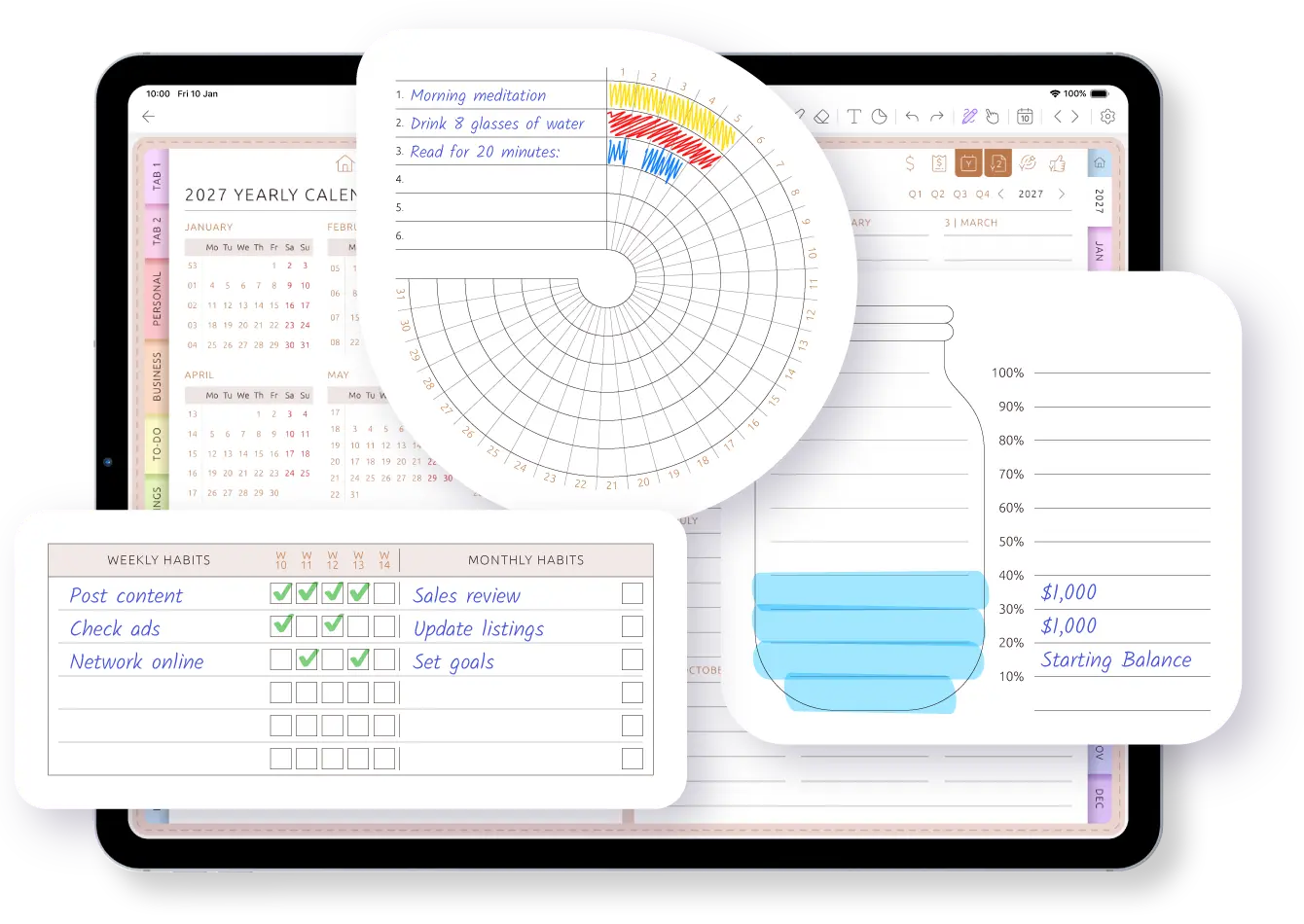
Some goals need one next step. Others move forward through something you repeat. Put that habit on your weekly page or use a dedicated Habit Tracker page to see it beside the rest of your plans.
Check it off by hand or type. Missed a day? Continue from today — there are no streaks to break and no red overdue counters.
- Goal: Run a 5K
- This week: Run three times
- Habit: Put on running shoes after work
- Calendar: Choose days without evening appointments
See the goal beside the week you actually have
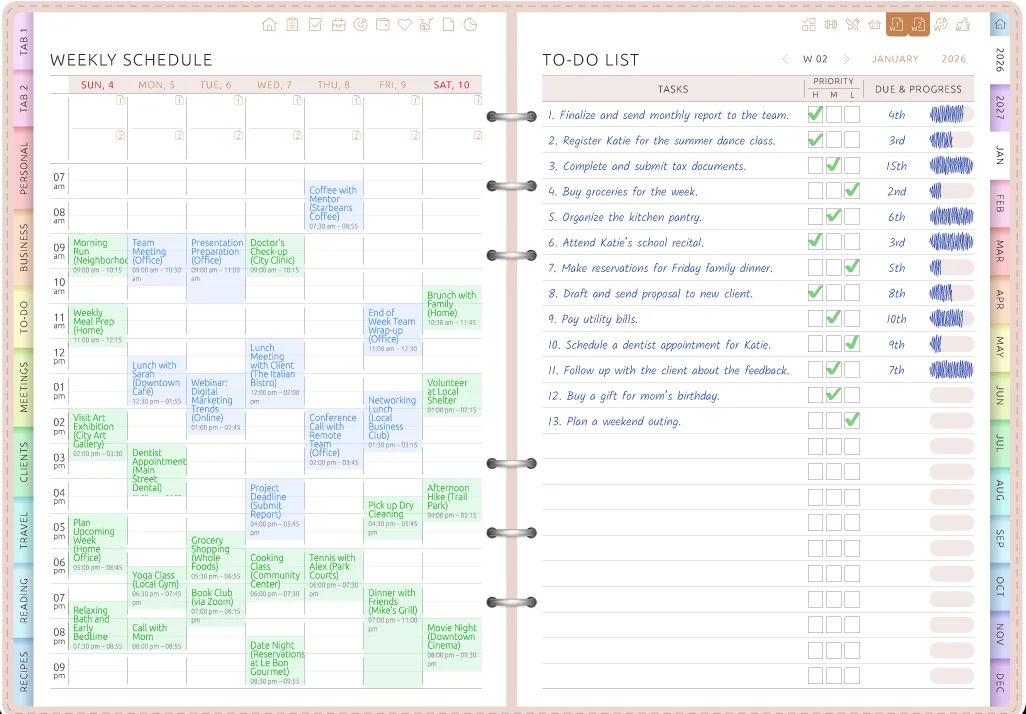
Connect Apple Calendar or Google Calendar and your appointments appear on your weekly and daily pages. Before choosing this week's step, you can see the time you actually have.
Plans changed? Move or resize an event on the planner page and the change is saved back to your calendar.
Why goals fade from your week
Setting a goal is easy. Keeping it visible in your daily decisions is the hard part.
Everything becomes equally important when I try to work on too many goals at once.
My goals live in one place and my schedule in another, so I stop seeing them.
The streaks, counters and check-ins became another system I had to maintain.
Ultimate Planner keeps your goals on the pages where you plan what to do next.
Goal planning pages ready to fill
No templates to build. Open the page and write.

SMART Goal
Make a goal specific, measurable and time-bound — on one page.
Goal action plan
Break the goal into steps and give each one a date.
Goals overview
Keep the goals you are working on together without building a system from scratch.
My Goal & Action Steps
Turn one goal into the concrete actions you can choose for a week or day.
Put this week's step on the page.
On iPad, iPhone, Android or the web.
A goal planner, not a streak counter
Goal trackers count streaks. Ultimate Planner helps you choose your next step and place it inside the week you actually have.
| Goal tracker app | Ultimate Planner | |
|---|---|---|
| Goal beside the weekly schedule | Usually separate | Yes |
| Year → quarter → week → day planning | Not always | Yes |
| Calendar events beside the next step | Usually separate | Yes — on weekly and daily pages |
| Habit tracking | Usually streaks and counters | Weekly habit sections and Habit Tracker pages |
| Handwriting and visual planning | Usually no | Yes — handwriting, typing and stickers |
| Automatic progress and streaks | Often | No — tracking is manual |
| Reminders | Depends on the app | Through your connected calendar |
If streaks and automatic progress keep you going, a dedicated tracker may suit you better. See our comparison of goal tracking apps.
Write your goals by hand. Check them on your phone.
Write with Apple Pencil or any stylus, or type. Your goals and planner pages sync across iPad, iPhone, Android and the web, so this week's step is with you wherever you are.
Frequently Asked Questions
Goals you see every week
Choose what matters, give it a quarter and put the next step inside the week you actually have — on iPad, iPhone, Android or the web.