
Digital calendar app · iPad, iPhone, Android, web
A Digital Calendar You Can Write On
Your Apple and Google Calendar events are already on the page. Write, draw, add stickers and plan around them — on daily, weekly and monthly layouts.
A personal planning app for iPad, iPhone, Android and web — not a wall-mounted family display.
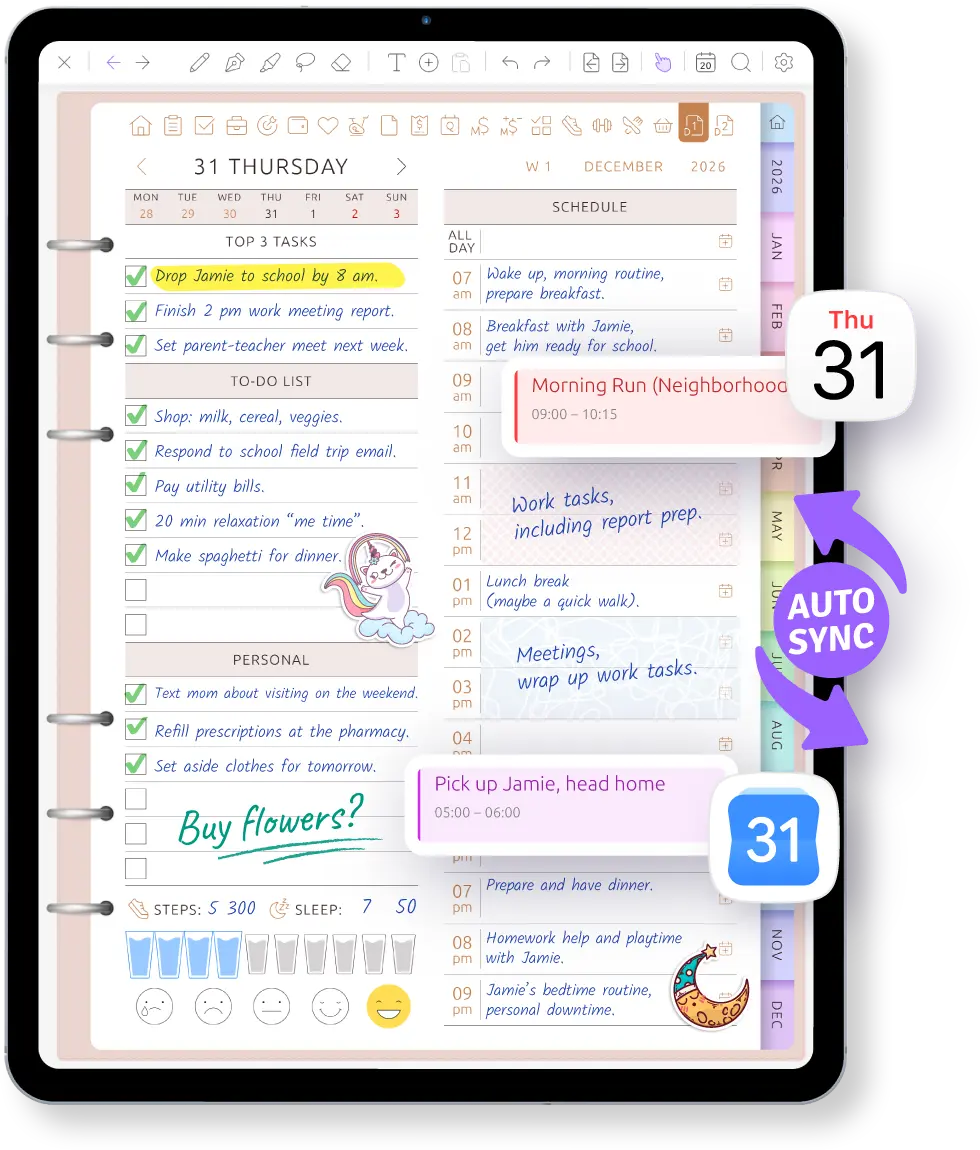
Your events are only the start.
A calendar app shows what is happening. Ultimate Planner gives those events a page where you can plan everything around them.
-
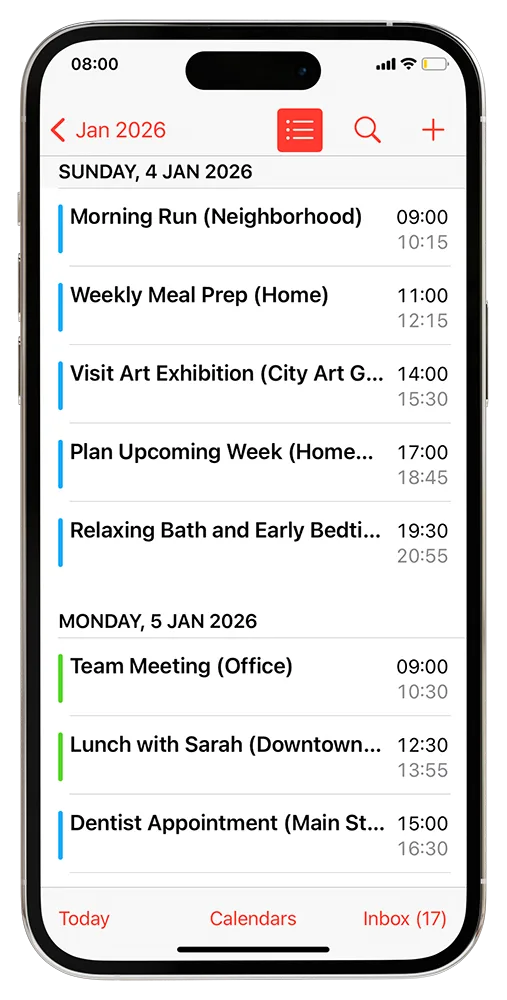
Your events are already there
Connect Apple or Google Calendar and appointments appear on your daily, weekly and monthly pages.
-
Plan around the schedule
Write notes beside an appointment, add tasks between events or highlight an important day.
-
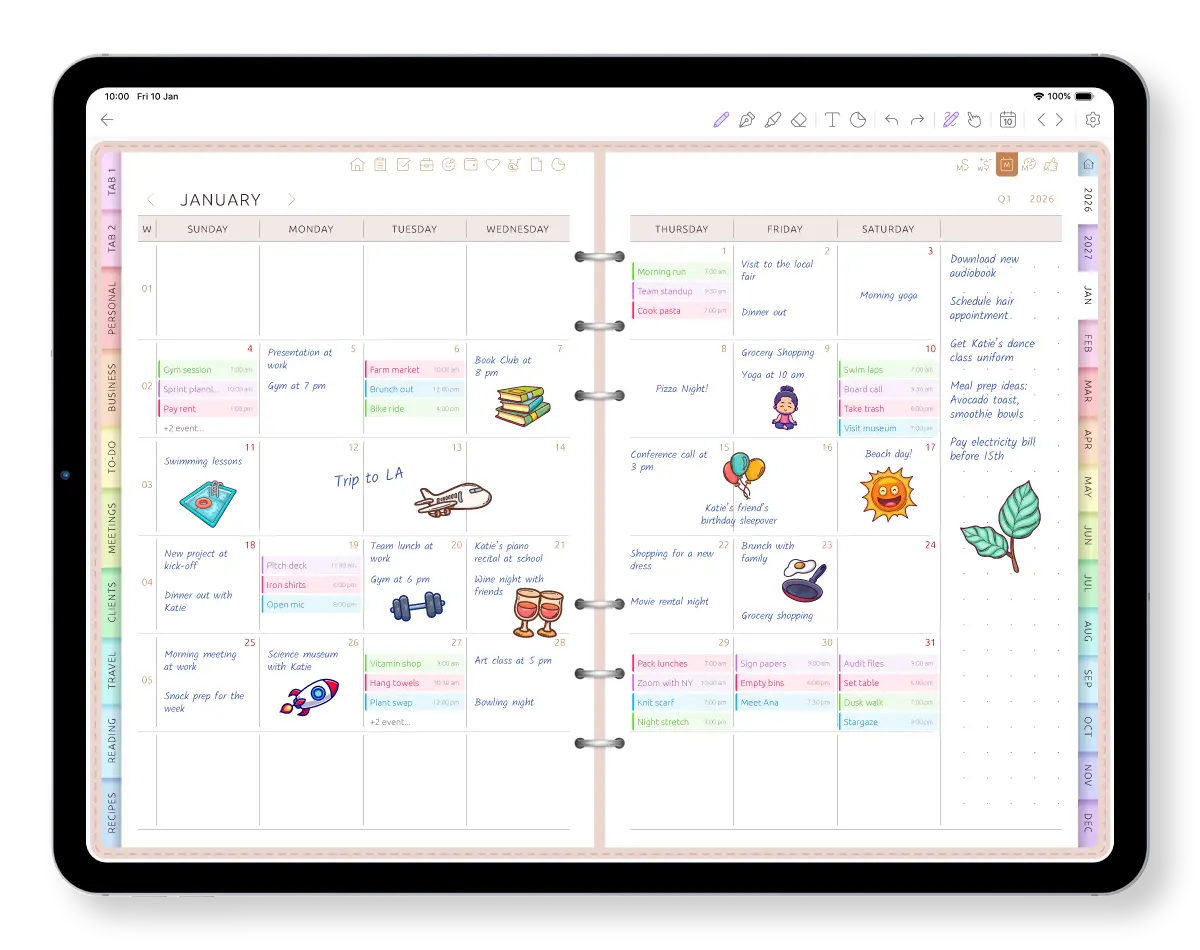
Make the page yours
Write in any size or color, draw across several days, add images and place stickers anywhere.
See your calendar become a planner page
Watch connected events appear automatically before you add the rest of the plan around them.
Your calendars, your planner, your way.
Start free on the iPad, phone or computer you already have.
Your events are already on the page
Keep the calendar you already rely on. Connect Apple Calendar or Google Calendar and your events appear on your daily, weekly and monthly pages. Instead of rebuilding your schedule, start planning around what is already happening.
Plans changed? Drag an event to another time or resize it directly on the planner page. The change is saved back to your calendar.
When an event changes, the page shows it. Reminders keep coming from your calendar app, as they do today; the planner sends none of its own. How calendar sync works →
See your schedule the way you think
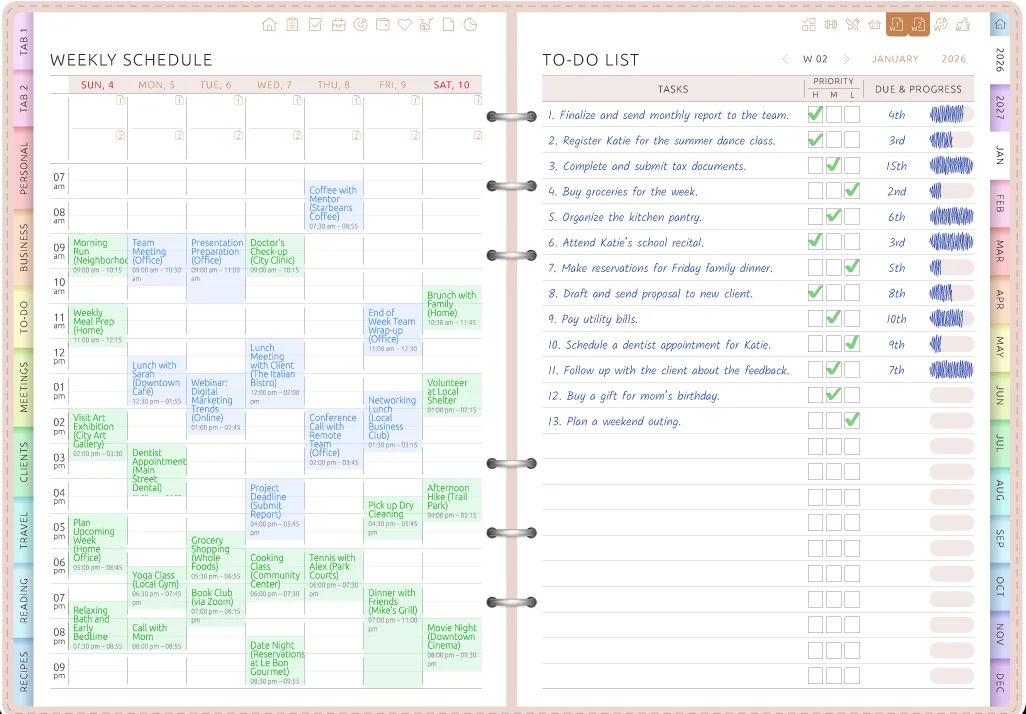
Plan one day in detail, see the whole week with its events, or write directly inside the monthly calendar. Choose a page that fits the way you plan instead of forcing your life into one fixed calendar grid.
If your schedule or planning style changes, switch the layout without starting a new planner. Your existing writing stays with you.
- 60+ daily layouts
- 50+ weekly layouts
- Multiple monthly views with room for notes
Write, type, draw and add stickers
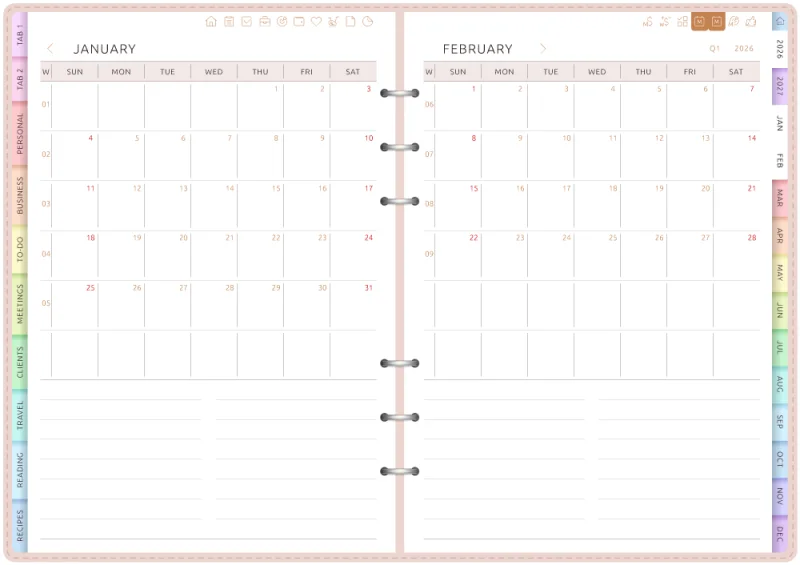
Write with Apple Pencil on iPad or a stylus on Android. Add notes beside an event, draw an arrow between tasks, highlight an important time or place a sticker directly on the page.
Prefer the keyboard? Type anywhere and mix typed text with handwriting on the same page. Pencil, marker, highlighter, eraser, lasso, images, undo and redo are ready when you need them. More about the iPad planner app →
The same planner across your devices and years
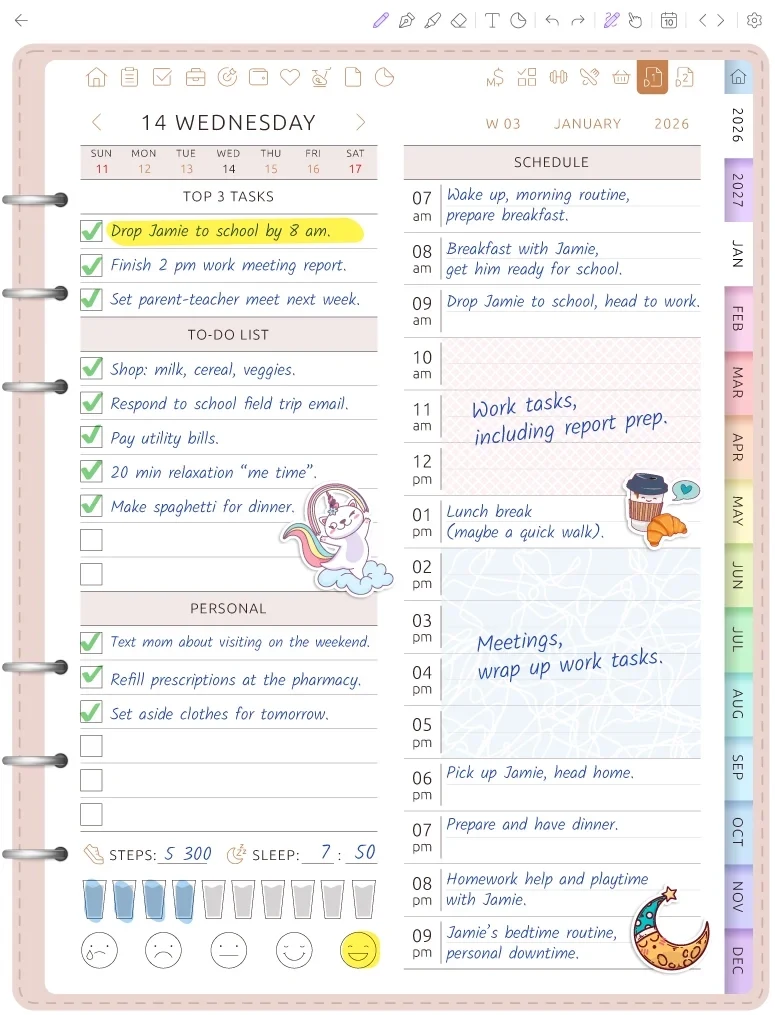
Use Ultimate Planner on iPad, iPhone or Android, or open it in a browser on Mac, Windows or Chromebook. Sign in with the same account to keep planning on the devices you already own.
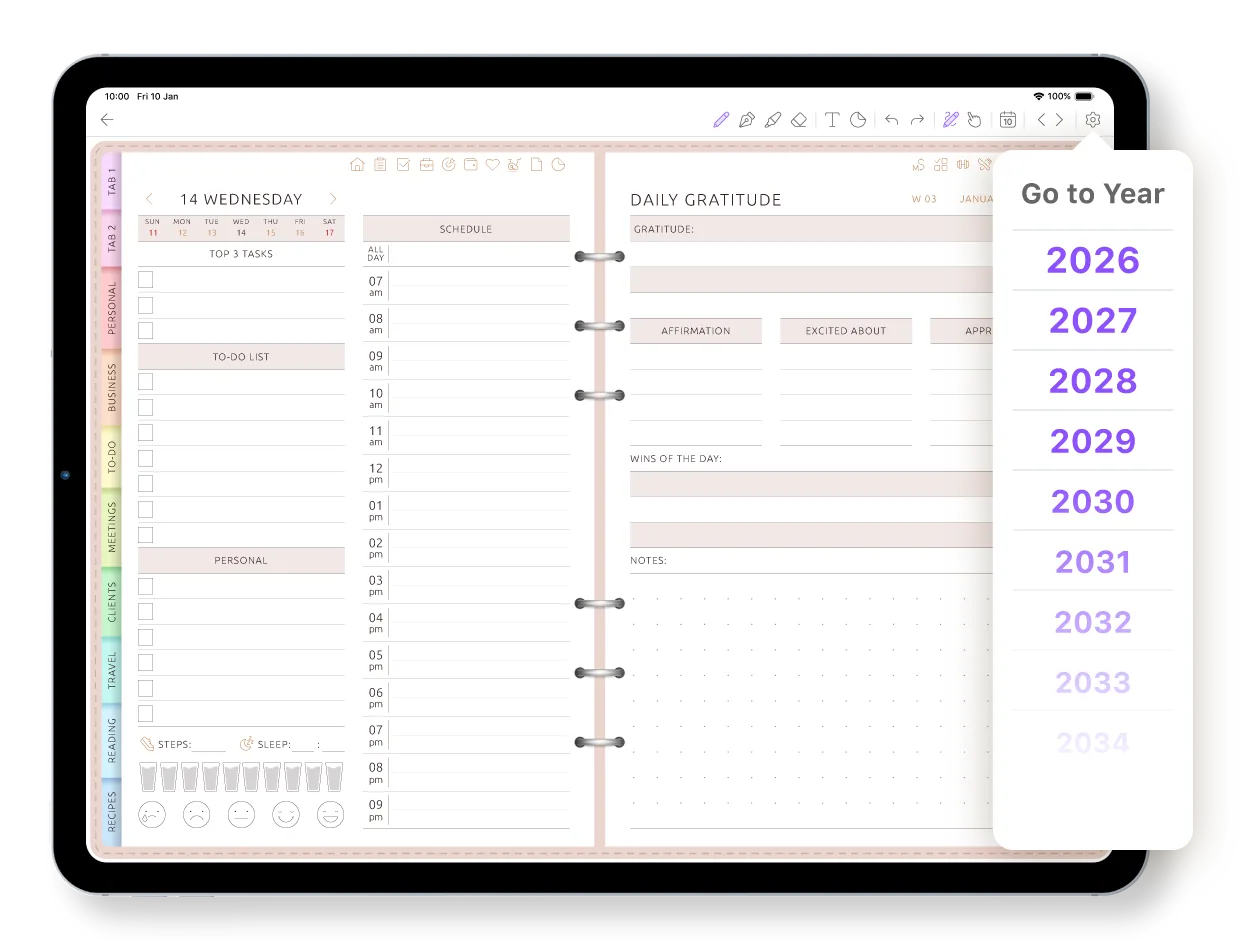
You do not have to create a new planner every January. Jump to 2027 today, with years through 2034 available in the same planner. See the calendar planner across years →
How it compares with Apple Calendar and Google Calendar
Calendar apps are built for events, invitations and alerts. Ultimate Planner is an organizer calendar app for planning around them. Most people use both.
| Apple Calendar / Google Calendar | Ultimate Planner | |
|---|---|---|
| Handwriting, drawings and stickers | No | Yes |
| Calendar events | Yes | Automatically appear on your planner pages |
| Daily pages | A calendar schedule | Yes — 60+ layouts |
| Weekly pages | A calendar grid | Yes — 50+ layouts |
| Monthly pages | A calendar grid | Multiple layouts with room for notes |
| Change the page layout later | No | Yes — without starting over or losing your writing |
| Notes and tasks around events | Limited | Yes — directly on the page |
| Reminders and invitations | Yes | Keep working through your connected calendar |
Apple Calendar and Google Calendar are free and excellent at what they do. Ultimate Planner doesn't replace them — it gives their events a page to live on.
Frequently Asked Questions
Your calendar, built into your planner.
Start free on iPad, iPhone, Android or the web. Connect Apple or Google Calendar and write the rest of your month by hand.