
Mac · Windows · Chromebook — nothing to install
Your Planner Opens in the Browser. The online planner app for Mac, Windows and Chromebook
Open your whole week on a larger screen, type tasks and notes with the keyboard, and plan around the Apple and Google Calendar events already on the page.
It is the same planner you check on your phone and write in on your tablet — synced through one account.
Nothing to install. The browser needs internet; the phone and tablet apps work offline.
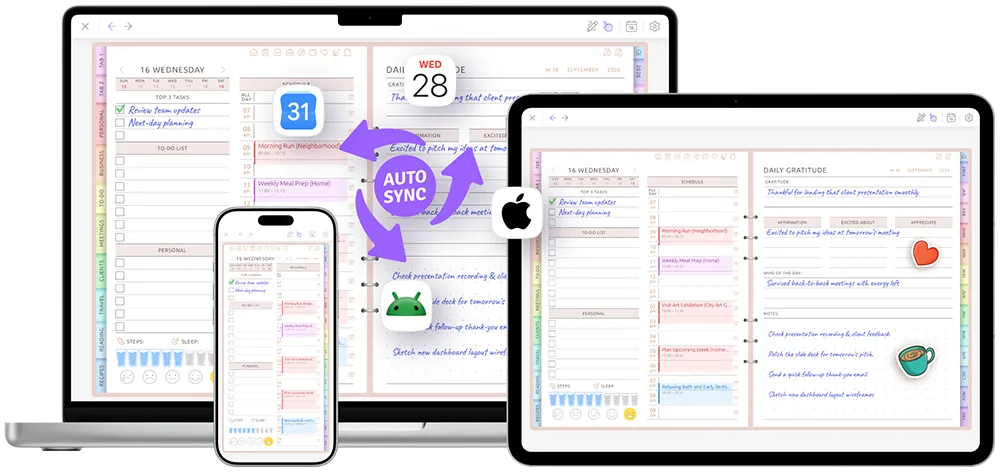
Your weekly review deserves a bigger screen
See the entire weekly spread without squeezing it onto a phone. Review the appointments already in your calendar, choose priorities, type tasks and plan the week with enough space to understand it.
The whole week, a real keyboard and your calendar context are together on one planner page.
- The whole week at once — schedule, tasks and notes
- A real keyboard for priorities, meeting notes and longer plans
- Apple and Google Calendar events already on the page
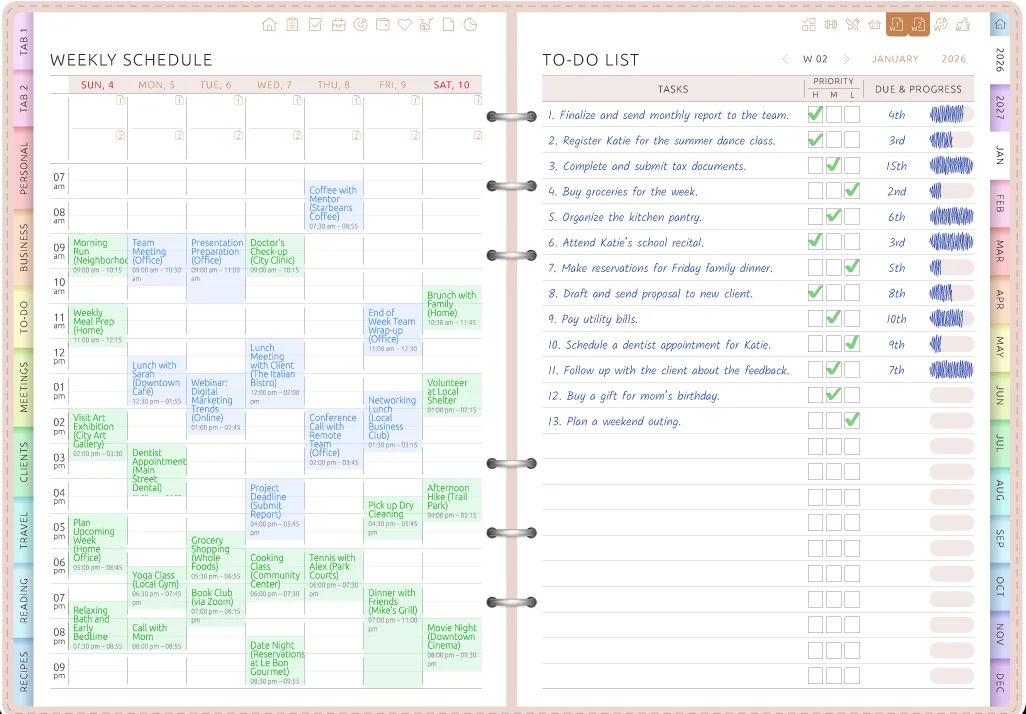
Open it in a browser — nothing to install
No installer, no admin password from IT and no desktop app to update.
-
Open Ultimate Planner
Go to ultimate-planner.app in the browser on a Mac, Windows PC or Chromebook.
-
Sign in
Use email, Google or Apple. There is nothing to download or install.
-
Plan on the larger screen
Start with the Ultimate Planner, then bookmark the tab so your week is one click away.
Your planner is one tab away.
Start free in the browser, or download the app for your phone or tablet. The same planner stays with you.
Type faster. Plan with more room.
Use the keyboard for weekly priorities, meeting notes, packing lists and longer plans. Click into a field and type directly onto the planner page.
Pen, marker, highlighter, eraser and lasso are also available with a mouse, trackpad or touchscreen pen. For everyday handwriting, open the same planner on iPad with Apple Pencil or on an Android tablet with a stylus.
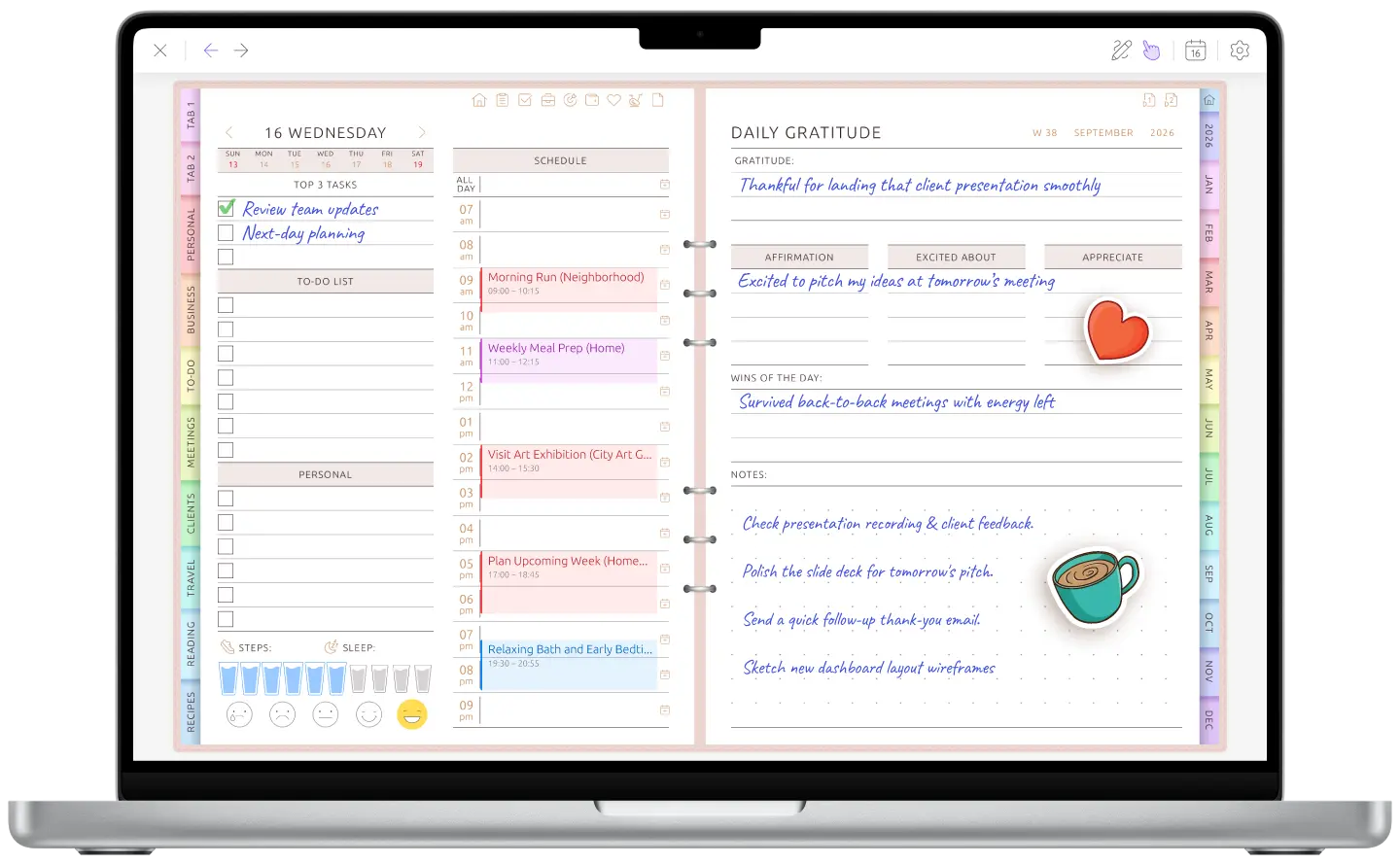
Your calendar is already on the page
Connect Google Calendar or Apple Calendar and your events appear on daily, weekly and monthly planner pages. See which hours are already booked before adding tasks and priorities.
When an event changes, the planner page shows the update. Your connected calendar keeps sending its reminders. Calendar sync in detail →
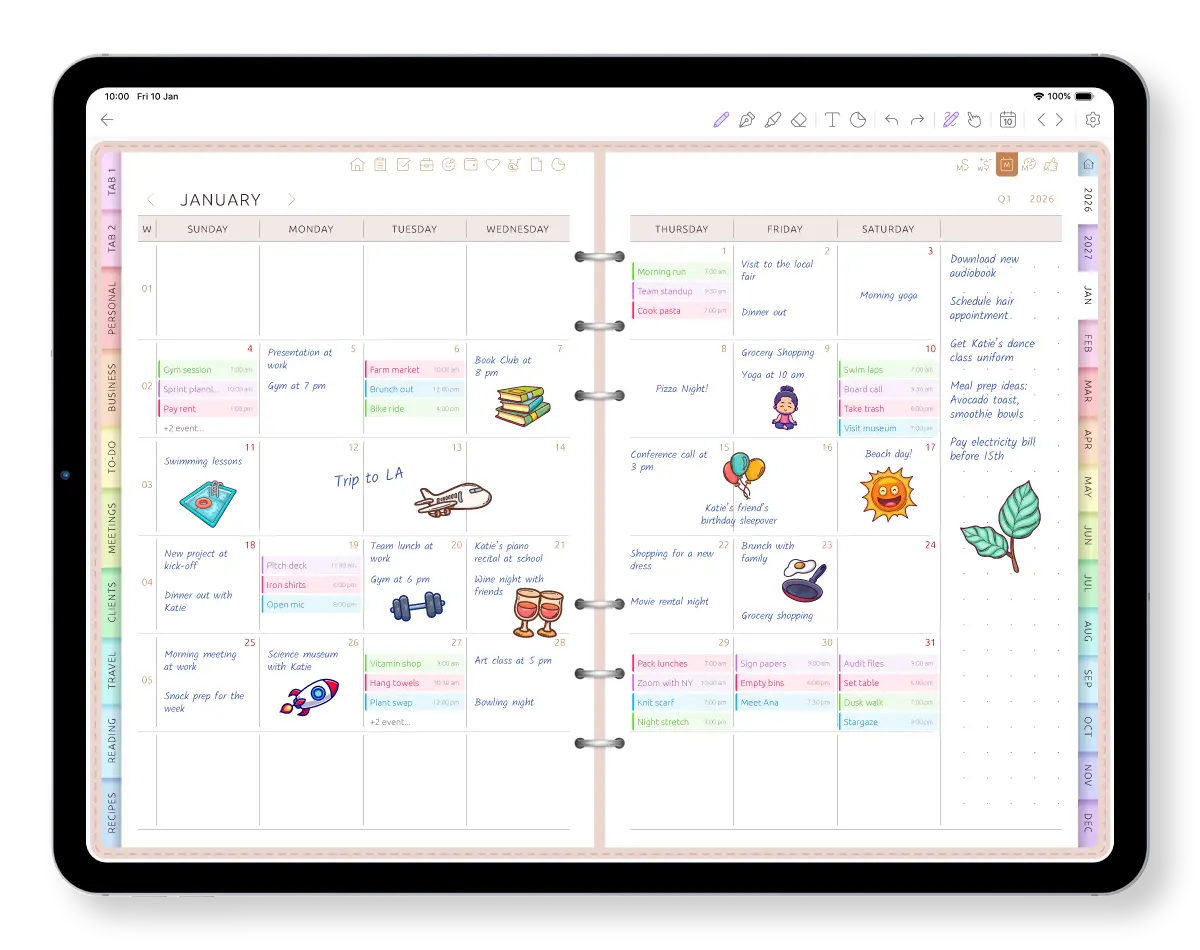
Change the planner as the week changes
Use the larger screen for a weekly review: look back at last week, decide which unfinished tasks still matter and place them into the new week, then glance at the month ahead.
Change layouts or switch sections on and off when your routine changes, without creating and importing another planner file.
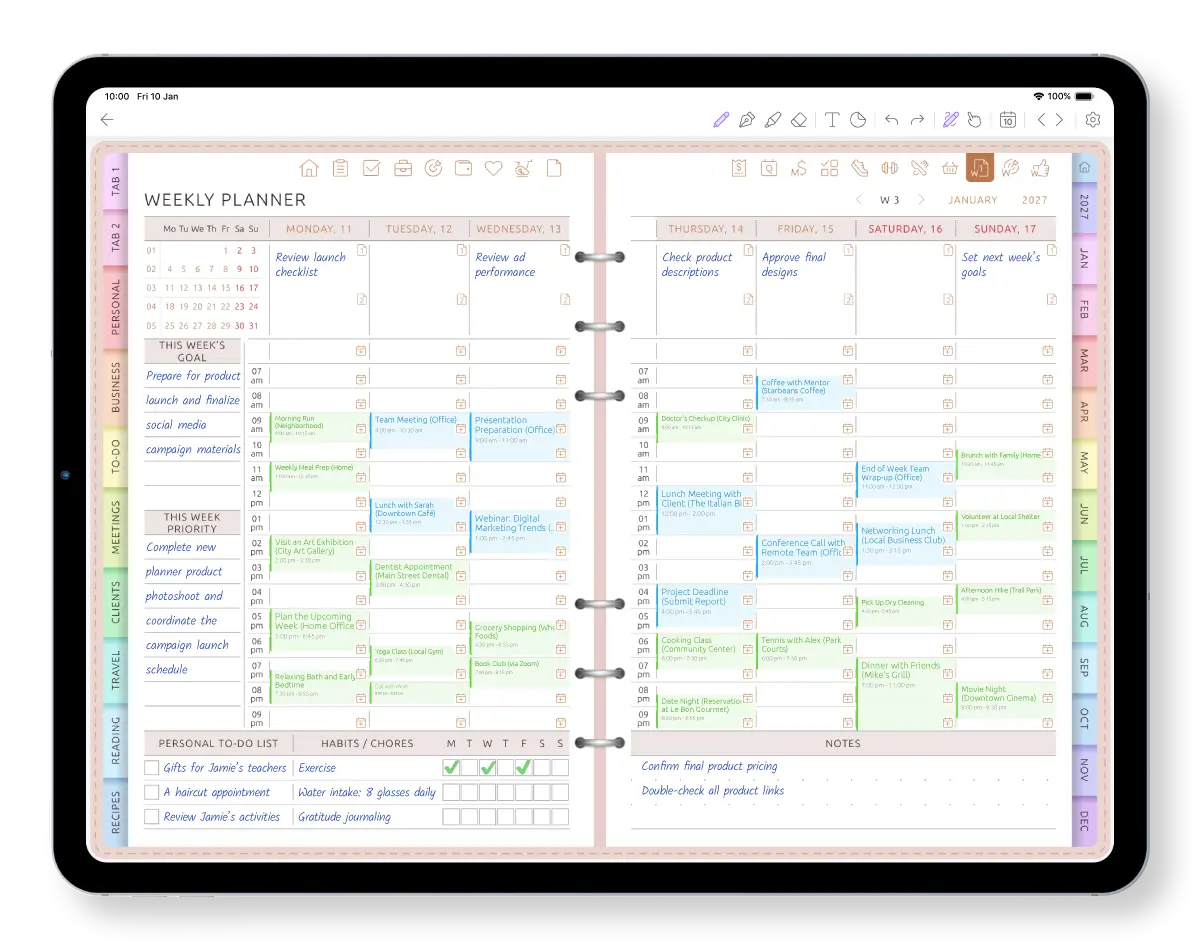
Plan at the desk. Carry it with you.
Use the computer and web app for a weekly overview and larger-scale planning. Check Today or capture a task on iPhone or Android while you are out. Add handwritten notes on iPad or an Android tablet when a stylus is the better tool. One account keeps the planner together.
The phone and tablet apps keep working offline and catch up later; the browser shows your latest synced planner whenever you open it. iPhone · Android · iPad
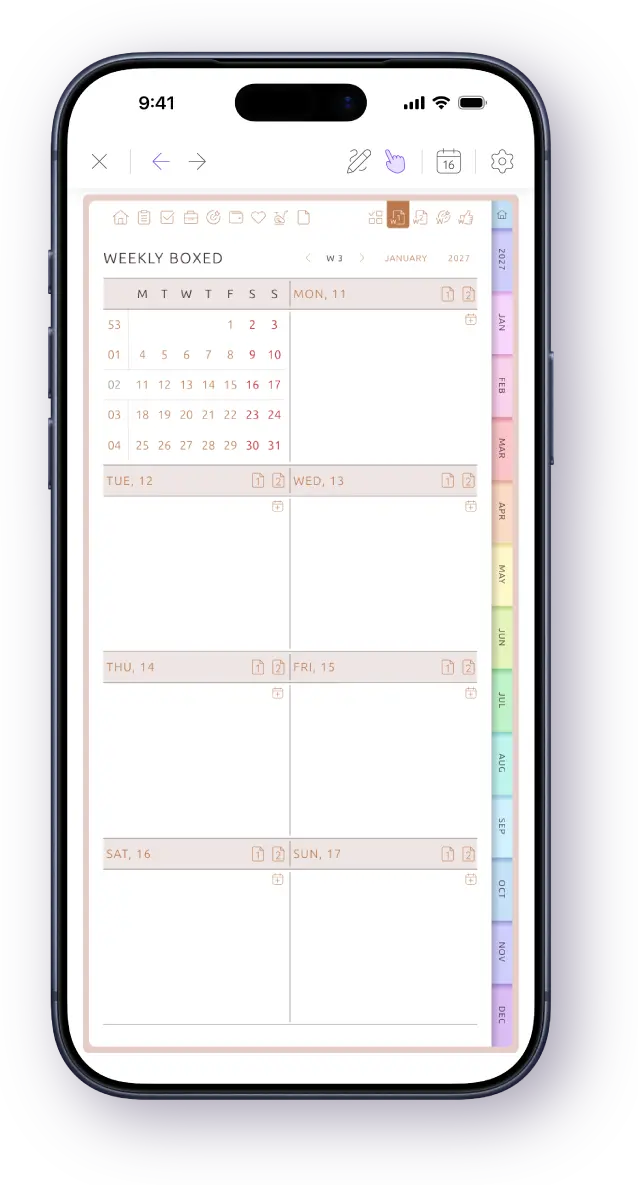
Plan in your browser. Continue on your phone or tablet.
There is no native macOS or Windows app today. On a computer, Ultimate Planner runs in the browser and requires an internet connection.
-
Mac
MacBook, iMac or Mac mini — in the browser
Needs internet
-
Windows PC or laptop
In the browser
Needs internet
-
Chromebook
In the browser
Needs internet
-
iPad
App from the App Store
Works offline
-
iPhone
App from the App Store
Works offline
-
Android phone or tablet
App from Google Play
Works offline
On a computer the planner lives in a browser tab rather than in the Dock or Start menu. If you need to plan with no internet — on a plane or train — use the phone or tablet app; everything syncs when you reconnect.
Plan on the big screen. Continue anywhere.
See the same planner stay in sync across the browser, phone and tablet.
Frequently Asked Questions
Start planning on this computer.
Start in the browser now, or download the iOS or Android app and continue in the same planner.